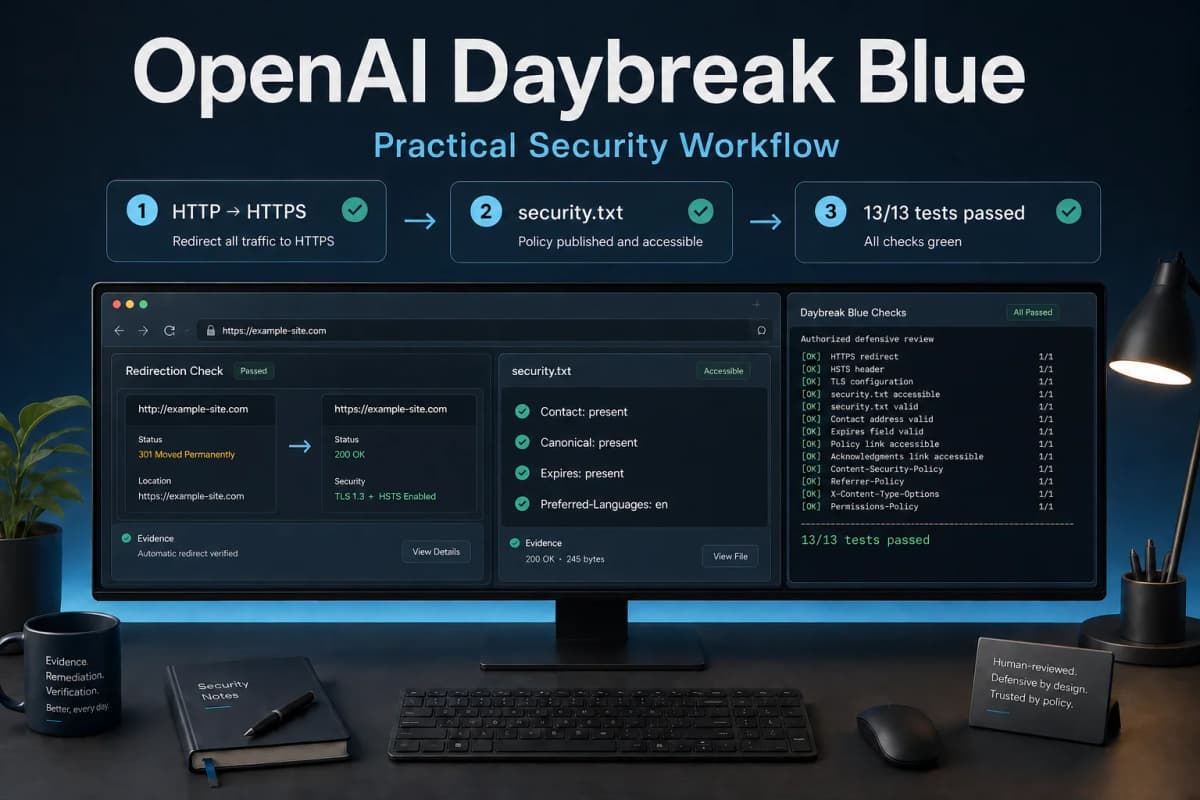
OpenAI Daybreak Blue Test: A Real Website Security Finding
My OpenAI Daybreak Blue test found a security problem on my own production website that I could reproduce in a fresh browser: the login page stayed on HTTP instead of redirecting to HTTPS. The page also loaded 20 first-party resources over the same unencrypted connection.
That result was useful for a plain reason. The model did not need an exotic exploit to produce a meaningful finding. It identified a basic transport failure, ranked it, and gave me a concrete claim to verify. An independent baseline test found the same core issue.
This was an authorized, non-destructive assessment of Mixanalytic, a service I own. I did not submit credentials, log in, exploit the site, change data, or attempt persistence.
Why I tested Daybreak Blue on a real website
Security-model demos often use prepared code samples or known vulnerable labs. Those tests are controlled, but they do not show how the model handles an ordinary production system with incomplete context.
I wanted a narrower test with a clear pass condition: could the model inspect the public surface of a site I own, find a reproducible problem, and separate evidence from speculation?
I also wanted to compare its result with an independent baseline. I've tested other AI systems with a similar evidence-first approach in my AI chatbot security test→, where the useful outcome was a verified engineering change rather than a dramatic attack story.
Which model did I actually run?
The first assessment ran in a separate Codex worker assigned to the gpt-daybreak-blue-latest model identifier. OpenAI's documentation calls the approved offering GPT-Daybreak-Blue.
That distinction matters. Changing the model selected for a later chat does not retroactively turn an earlier run into a Daybreak test. The execution that performs the assessment must use the approved Daybreak model and product surface.
OpenAI describes Daybreak Blue as the starting point for most authorized defensive work, including vulnerability discovery, secure code review, threat modeling, detection engineering, incident response, and patch validation. The company also recommends controlled environments, least-privilege permissions, defined scope, and human review for sensitive actions (Models and Trusted Access).
OpenAI Daybreak Blue test setup and scope
I gave the model permission to inspect Mixanalytic and its local project files. I kept the external checks non-destructive:
The model was not allowed to submit the login form, test real credentials, create accounts, upload payloads, exploit a suspected weakness, or modify production.
This boundary made the result easier to interpret. Every finding had to come from public behavior or read-only source evidence.
The main finding: a login page remained on HTTP
The black-box check showed that both the site root and login route returned 200 OK over HTTP. Neither response redirected the browser to HTTPS.
I then opened the login page in a fresh Chromium context. The browser remained on an http:// URL while displaying username and password fields. During that page load, 20 first-party JavaScript, CSS, image, and document requests also used HTTP.
| Check | Observed result |
|---|---|
| --- | --- |
| HTTP redirect | No redirect to HTTPS on the tested root or login page |
| Fresh browser | Chromium remained on the HTTP login page |
| First-party resources | 20 requests loaded over HTTP during that browser run |
| Anonymous session cookie | Secure=false, HttpOnly=true, SameSite=Lax |
The cookie result needs context. HttpOnly and SameSite=Lax were positive attributes, but the missing Secure flag allowed the anonymous session cookie to travel over an unencrypted connection.
I rated the transport issue as high risk after the browser test. An attacker positioned on the network path could observe or alter HTTP traffic. If a user submitted credentials on that page, the unencrypted connection could expose them. I found no evidence that anyone had stolen credentials, and I did not submit any during the test.
Browser verification changed the severity assessment
The initial independent baseline classified the HTTP behavior as medium severity. That rating changed after runtime verification showed a real password form remaining on HTTP with its supporting resources also loaded over HTTP.
This change says more about the testing method than the models. Header inspection identified the configuration problem. Browser evidence established how a visitor would encounter it. The extra evidence made the impact concrete enough to justify a higher priority.
Daybreak Blue reached the same core conclusion. Both runs benefited from the same rule: a finding should include a reproducible observation, a bounded impact statement, and a clear list of actions that were not performed.
What the secondary checks found
The assessment also produced several lower-priority results.
Modern TLS versions worked
The tested host rejected TLS 1.0 and 1.1 while accepting TLS 1.2 and 1.3. That is a positive result for the HTTPS endpoint. It does not compensate for allowing the login experience to remain on HTTP.
The Content Security Policy allowed inline code
The observed Content Security Policy included 'unsafe-inline' for scripts and styles. I treated this as a hardening gap, not proof of a cross-site scripting vulnerability. Removing inline allowances usually requires application changes and regression testing, so it belongs after the transport fix.
The site had no `security.txt`
The standard /.well-known/security.txt path returned 404. I classified that as informational. A security contact file gives researchers a clear reporting route, but its absence does not create an exploitable flaw.
The tested CORS preflight did not allow the foreign origin
One preflight request from an unrelated origin did not receive permission to access the tested public route. That is a useful negative result, limited to the endpoint and preflight I checked. It is not a site-wide CORS audit.
Did Daybreak Blue outperform the baseline?
This test does not support a general model ranking. Daybreak Blue and the independent baseline both found the transport issue. The baseline's severity improved when I added browser proof.
Daybreak Blue was valuable because it stayed focused on an authorized defensive task and produced a finding I could verify. One website, one scope, and one test date cannot establish that it will outperform another model across source review, incident response, malware analysis, or larger penetration tests.
A stronger benchmark would repeat the same hidden test cases across several owned applications, give each model the same tools and time budget, and score reproducibility, false positives, missed findings, severity calibration, and remediation quality.
I use that broader evaluation method in How to Benchmark AI Models for Real Work→. This Daybreak run is one field report, not a complete benchmark.
How can you get OpenAI Daybreak Blue?
Daybreak access requires approval through OpenAI's Trusted Access for Cyber program. Individuals can apply through the individual Trusted Access application, while organizations can use the enterprise request form.
Approval is tied to the approved identity or service, workspace or API organization and project, model, and product surface. Completing identity verification or submitting the form does not guarantee access. Daybreak Red also requires separate approval; Blue access does not include it automatically.
OpenAI's broader Daybreak workflow connects investigation, repository review, evidence, proposed fixes, and human verification. Its own guidance keeps the engineer responsible for consequential changes (Scaling cyber defenders with Daybreak).
Sources and test record
I ran the authorized checks on August 30, 2026. The browser, header, cookie, TLS, CSP, security.txt, and CORS observations in this article come from that test record.
The model and access claims come from two OpenAI primary sources:
According to OpenAI's access guidance, approval remains specific to the identity, workspace or API project, model, and product surface. My test results do not extend beyond the Mixanalytic scope described above.
What I would fix and retest next
The transport finding has a short priority order:
Secure in production while keeping HttpOnly and an appropriate SameSite policy.security.txt contact file.The retest should fail if any login page, form action, first-party resource, or session cookie falls back to HTTP. I would also run the Daybreak and baseline assessments again against the fixed version to check whether they recognize the remediation and avoid repeating the finding.
The first test produced a useful result without crossing the authorization boundary. Daybreak Blue found a real flaw. Independent browser evidence showed why it deserved attention. The next credible claim is not that the tool worked once; it is that the fix survives the same test.