Mix Analyzer: faster feedback on every mix
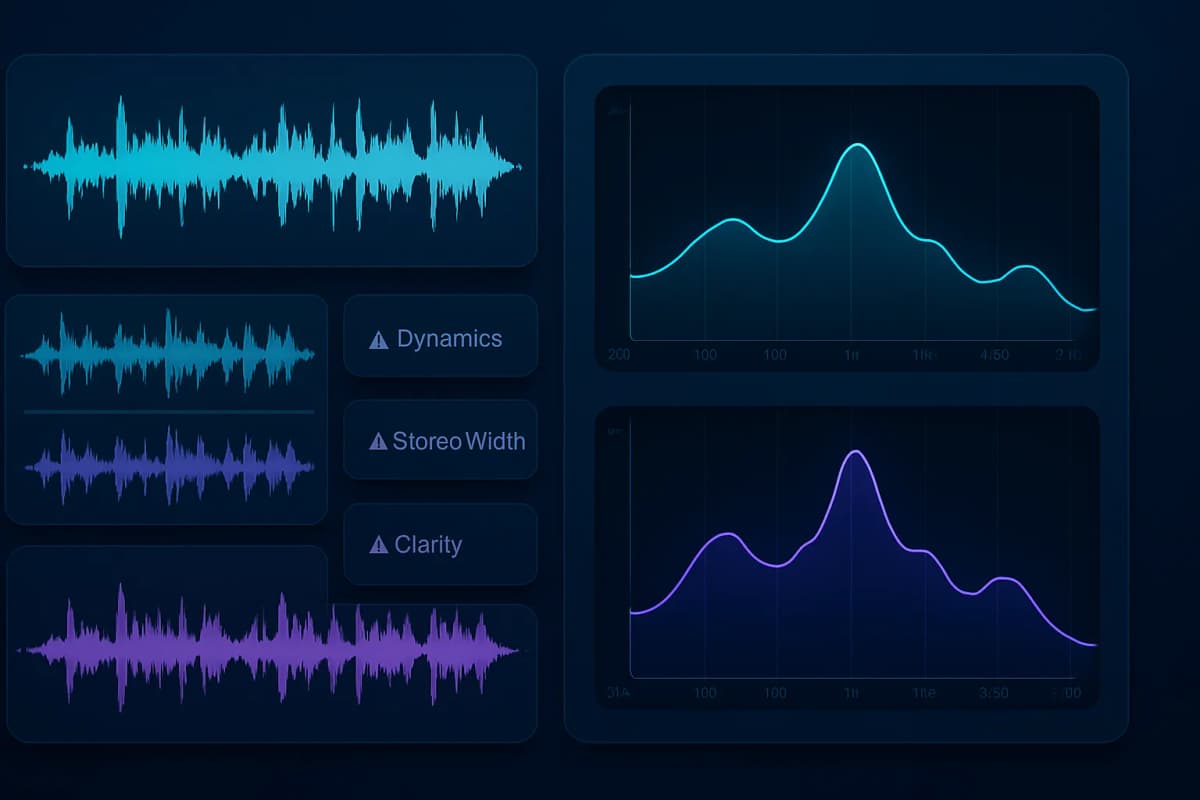
Have you ever exported a mix, listened back, and still couldn’t tell what was wrong? That’s the problem Mix Analyzer is built to solve. It gives you structured audio analysis so you can spot balance, clarity, stereo, and dynamics issues faster, without guessing.
I built mixanalytic.com because I saw the same bottleneck again and again in real music workflows: people had enough opinions, but not enough clear direction. In my experience, the fastest way to improve a mix is not more random tweaking. It is a better diagnosis.
This article explains what Mix Analyzer does, where it fits in a real production workflow, and why it helps artists, producers, and mix engineers make better decisions.
What Mix Analyzer actually does
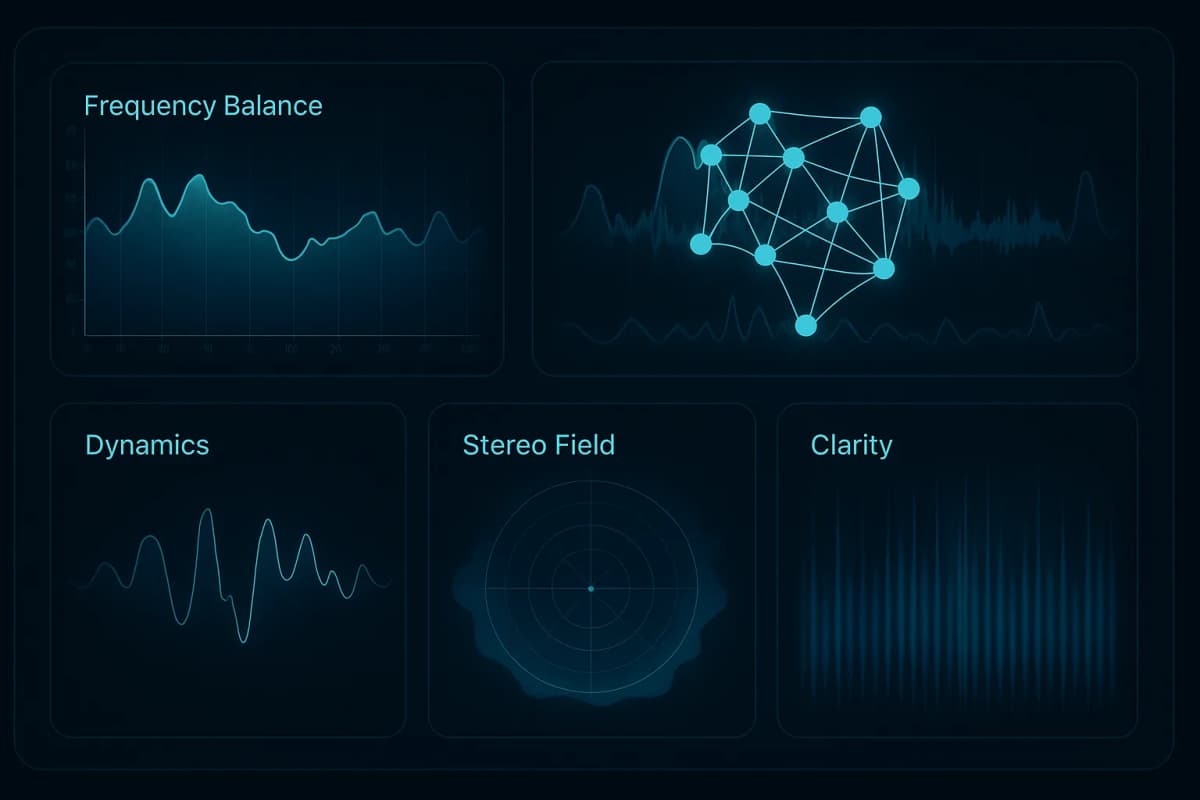
Mix Analyzer takes an uploaded audio file and breaks it down into 17 analysis modules. You get a clearer view of the mix, not just a loudness number or a vague score. That makes it easier to turn feedback into action in your DAW.
It analyzes:
Mix Analyzer supports MP3, WAV, FLAC, AIFF, M4A, and PCM. The workflow stays simple: upload, review, and use the report to make smarter mix decisions.
For the technical side of audio setup, I also recommend reading Förklarade ljudsignalsnivåer: Mikrofon, instrument, line och högtalare→ and Skillnaden mellan att mixa och att mastra→.
Why Mix Analyzer fits a real workflow
The biggest value of Mix Analyzer is not raw data. It is the speed and structure it adds to your decision-making.
In my own product testing, I kept seeing the same pattern: people could hear that something was off, but they lost time trying to locate the problem. Mix Analyzer helps you narrow that search. That matters when you are working on deadlines, revision rounds, or release prep.
Here is where it helps most:
I also like that this approach aligns with how authoritative mastering and metering resources talk about mix evaluation. The AES has long emphasized objective listening and measurement as part of professional audio work, and iZotope’s mastering guides follow the same logic: use meters and analysis to support your ears, not replace them.
If you want to improve your own workflow, Music Mastering: DIY vs. AI vs. Pro→ is a useful companion read.
What makes Mix Analyzer different
A lot of tools show you a meter. Some tools give you a score. I wanted Mix Analyzer to do more than that.
Mix Analyzer combines structured analysis with interpretation. That matters because a single metric rarely tells the whole story. A mix can have good loudness and still feel cramped. It can have wide stereo imaging and still fall apart in mono. It can look technically fine and still miss the emotional target.
When you see frequency, dynamics, stereo, and clarity together, the next move becomes obvious much faster. In my experience, that saves hours during revision work.
This is also why I keep expanding the product roadmap. I want the app to become more practical for real users, not more complex for the sake of it. One of the most useful future directions is plugin-aware advice, where users can tell the system which EQs, compressors, reverbs, saturators, and limiter plugins they actually own.
If you are building your own plugin chain, these articles are relevant too:
How I would use it in a real session
I do my best work when I reduce noise in the decision process. That is where Mix Analyzer fits naturally. I tested this kind of workflow while building the app, and the pattern was consistent: fewer random changes lead to better results.
My process would look like this:
That order matters. Many producers make the mistake of fixing everything at once. However, that usually creates new problems. A better approach is to use the report as a priority list.
If the low end is muddy, start there. If the vocal feels buried, check the voice analysis and adjust the arrangement, EQ, compression, or level. If the transients feel weak, look at envelope shaping, saturation, or mix density.
For more on loudness and perception, Perceived Loudness Explained→ gives helpful context. You can also compare production approaches in Music Mastering: DIY vs. AI vs. Pro→.
Mix Analyzer for teams and products
Mix Analyzer is useful as a standalone app, but it is also interesting as infrastructure.
The product direction includes 17 analysis modules, plugin-aware profiles, and a possible API path for teams that build music tools, artist platforms, learning products, or internal QA systems. That opens up more than one use case. It can support mix review workflows, reference matching, catalog analysis, and structured feedback loops.
For music-tech teams, that kind of system saves time. Instead of rebuilding analysis from scratch, you can connect to a product that already understands frequency balance, dynamics, stereo, clarity, transient behavior, and recommendation logic.
If you are also thinking about the business side of being a creator, these two posts help with positioning and visibility:
What Mix Analyzer does not try to do
I think a product becomes more trustworthy when it is honest about its limits. Mix Analyzer does not write the song for you. It does not replace arrangement taste. It does not remove the need to listen on multiple systems. And it should never reduce music to one score.
What it does instead is make the technical side of the decision process clearer. That is useful for solo creators who need a second opinion, and it is useful for teams that need a shared framework.
In other words, it supports your judgment. It does not replace it.
Who should try Mix Analyzer
Mix Analyzer is a good fit if you are any of the following:
If you already know how good records should feel, this app helps you understand why your own mix is not there yet.
For more of my technical writing process, you can also read How I Built My MCP CMS With Agent Flows→.
FAQ
Is Mix Analyzer only for finished masters?
No. I designed it to be useful much earlier than that. It works on demos, rough mixes, revisions, and near-final exports because the main value is structured diagnosis. You do not need a finished master to learn something useful from the analysis.
Can Mix Analyzer replace a human mix engineer?
No. I see it as decision support, not a replacement. It can highlight issues faster and organize your attention, but taste, arrangement, and final aesthetic choices still come from people. The best results happen when you combine analysis with real listening.
Can Mix Analyzer be used inside other products?
Yes, that is one of the most interesting future directions. A future API path could make it useful in education tools, artist platforms, review systems, and internal QA workflows. That is where audio analysis software becomes part of a larger product, not just a standalone app.
Final thoughts
Mix Analyzer solves a real problem: too much vague feedback and not enough clear direction. It gives you structured audio analysis so you can move faster and make better mix decisions.
The main takeaways are simple:
If you work on music and want faster, more organized feedback on your tracks, try Mix Analyzer at mixanalytic.com.