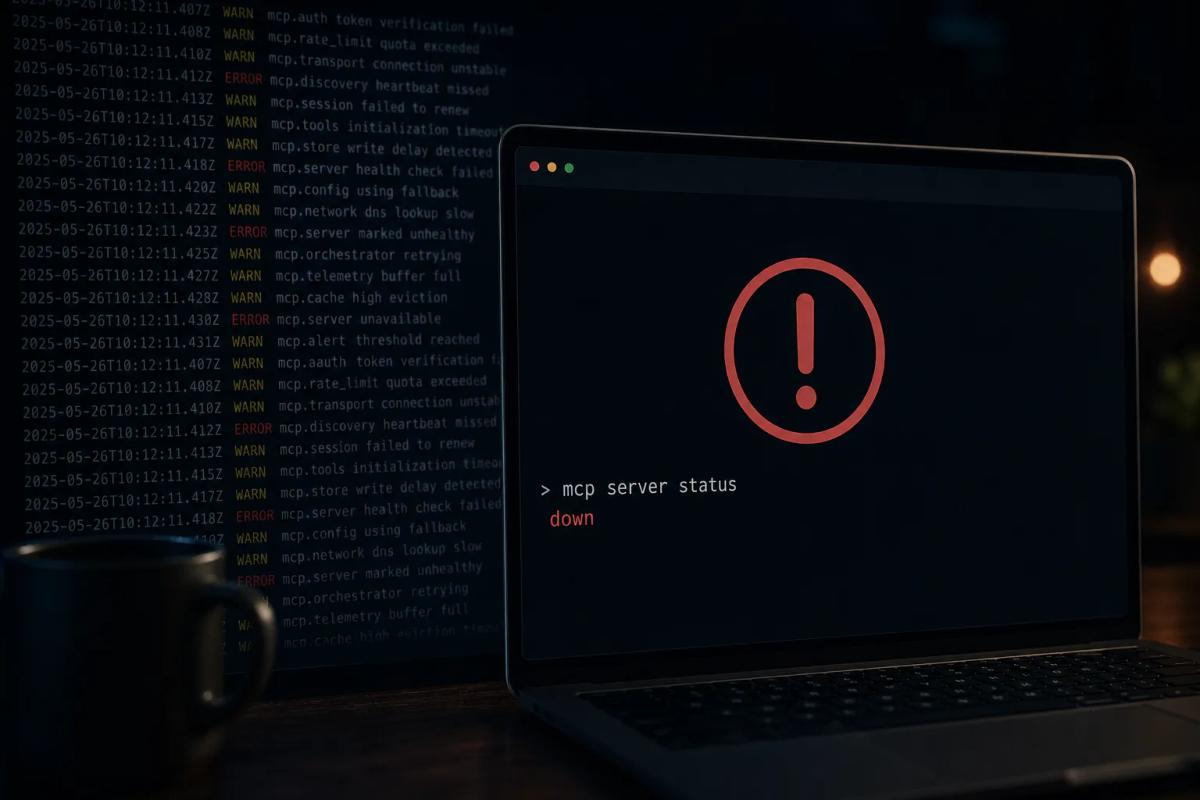
Codex told me one of my MCP services was down. The service was fine. What I was looking at were Codex sandbox errors: a DNS lookup that failed and two environment variables that were missing, both caused by Codex itself. I checked the service from Claude Code a minute later and got a clean status back, live data and all.
Both errors sounded like problems with my server. Neither was.
That made me look closer at Codex. It turned out it had been throwing errors for days without showing me most of them. If you use Codex on a Mac, there is a fair chance yours is doing the same.
What Codex said was wrong
The report was short:
From the same Mac, outside Codex, the hostname resolved immediately. The MCP server answered with a healthy status, and a read call returned real data. So the problem sat between Codex and the network, not on the server.
Where Codex sandbox errors hide
Codex writes a detailed log to a SQLite database at ~/.codex/logs_2.sqlite. The desktop app shows almost none of it. You can read it yourself:
sqlite3 -readonly ~/.codex/logs_2.sqlite \
  "select level, count(*) from logs
   where ts > strftime('%s','now','-3 days')
   group by level;"
My log covered three days. It held 13 errors and about 2,500 warnings. Grouping them by message showed four separate problems.
1. The sandbox blocked the network in most threads
This was the cause of the "server is down" report. Codex keeps per-thread state in ~/.codex/state_5.sqlite, including the sandbox policy each thread ran with. Over the past week, 585 threads ran in a managed policy with network set to restricted. Only 106 ran with the sandbox disabled.
My config.toml says sandbox_mode = "danger-full-access". Threads the app creates on its own, such as its review subagents, still ran restricted. In a restricted thread, DNS fails and binding a local port is denied. That matches the report exactly.
In my experience this was not a one-off. Codex's own memory log showed the same pattern going back weeks: blocked DNS to my personal site, to a music app, to Google Fonts during a build. Each time it looked like a project bug.
I could not find the specific thread that ran my failing check, so for that one run this is an inference from the pattern, not a confirmed record.
2. Secret variables never reach the shell
My config had:
[shell_environment_policy]
inherit = "core"
With core, commands Codex runs get only a short list of basics such as HOME, PATH and USER. My MCP tokens live in ~/.zshrc, so they never reach Codex's shell.
That is good security. The app process itself had the variables, and the MCP connection authenticated fine. But any test script Codex wrote that expected those variables failed, and Codex read that as a broken setup.
3. Eight MCP servers failed on every start
Every new session tried to start eight servers that could not start:
Nothing in the UI flagged them. They just slowed startup and filled the log.
4. One duplicate agent caused about 1,800 warnings
I keep a large set of custom agents in ~/.codex/agents. Two files declared the same name, Backend Architect. Codex logged a warning about it on almost every request: about 1,800 times in three days.
How I fixed the Codex sandbox errors
Before touching anything, I copied config.toml, AGENTS.md and the duplicate agent file to a backup folder.
Disabled the broken MCP servers instead of deleting them, so they are easy to bring back:
[mcp_servers.pencil]
enabled = false
codex mcp list then showed all eight as disabled and my working servers as enabled.
Removed the duplicate agent by moving one of the two files to the backup folder.
Told Codex what the sandbox does. I added a short section to ~/.codex/AGENTS.md:
## Sandbox limits are not project bugs

Many threads run with network restricted: DNS lookups fail and binding
a local port is denied. That is the sandbox, not the project or the
server. Ask for escalated permissions and rerun, or report it as a
sandbox limit; do not report the service as down.

Secret env vars are intentionally absent from your shell
(shell_environment_policy.inherit = "core"). Configured MCP servers
still authenticate through the app. Test MCP services through the MCP
tools, not with shell scripts that need those variables.
I left the restricted network alone. Removing it is a security trade-off, not a bug fix.
Updated the CLI with npm install -g @openai/codex@latest, from 0.159.3 to 0.171.0. The Codex inside the ChatGPT desktop app ships its own binary, so npm does not update it.
The result
I ran Codex again and asked it to call the MCP tools directly. It got a healthy status, the expected permission flags and three real segment names. The log recorded zero warnings or errors during the run.
One harmless warning is left: Codex ignores seven hook settings that another plugin writes into config.toml. This Codex version does not recognise the field, and the plugin writes it back if removed.
The new codex doctor command is worth running too. Mine pointed out 6,376 old session files using 5.18 GB, and some threads missing from the state database.
Other developers report the same Codex sandbox errors
I am not the only one. Public reports describe the same symptoms:
danger-full-access as the only reliable workaround.config.toml at the time.The common thread: the network sandbox behaves differently depending on where Codex runs, and the Codex sandbox errors it produces look like your own code or server is broken.
Check your own Codex in five minutes
codex doctor and read the warnings.codex mcp list and disable every server you no longer use.~/.codex/logs_2.sqlite for warnings grouped by message, as above.name values in ~/.codex/agents.~/.codex/AGENTS.md so Codex stops blaming your project.I use Codex daily, for example in how I use Codex and Fable to build an internal company app. If you compare models for this kind of work, I also wrote about what I am testing with GPT-6.2 Astra and Sol.
*AI-assisted: Claude Code read the logs and made the changes with me. The numbers come from my own Codex install on 23 November 2026.*