If you are choosing best free AI coding tools on June 21, 2026, the problem is not raw model quality anymore. The problem is routing work to the right layer.
OpenAI introduced GPT-5.5 on April 23, 2026. Anthropic launched Claude Fable 5 on June 9, 2026, then suspended access on June 12, 2026. Google said Gemini CLI’s old free-serving path would stop and pushed users toward Antigravity CLI on June 18, 2026. The frontier moved three times in a few weeks. That is exactly why I would not build my coding stack around one launch post or one vendor promise.

I picked this topic for a traffic reason too. Older Search Console snapshots on this site skew toward best, top, and free comparison intent far more than narrow launch recaps. I also already have recent posts on model-vs-model fights and agent workflows. Another single-model reaction would overlap. A practical routing guide has a better chance to earn clicks and stay useful.
Best free AI coding tools: the stack I would actually use
If you want the short version, this is the free stack I would test first right now:
That is not the same as saying free replaces frontier paid models. It does not. It means free tools can handle a large share of daily implementation, exploration, and background work so I only pay premium rates when the task deserves it.
What counts as free in 2026
This is where most AI roundups get sloppy.
A tool can be free in four different ways:
I care about that distinction because developers waste time when they confuse a trial with a durable workflow. If a product is only free until the first serious sprint, I do not treat it as a core stack. I treat it as a demo.
1. Google AI Studio plus Antigravity CLI is the cleanest free starting point
Why I start here
This is the easiest hosted entry point I would recommend right now.
Google’s Gemini pricing page says developers can start building free of charge, and Google also states that AI Studio usage is free of charge in available regions. The rate-limit docs make the boundary clear: when the free tier stops being enough, you move to billing. That is an honest setup. You know where the limit is, and you know how the upgrade path works.
The other reason I put Google first is the workflow direction. On May 19, 2026, Google introduced Gemini 3.5 and positioned 3.5 Flash as a model for agentic workflows and coding, available in Antigravity and in the Gemini API through AI Studio. Then on June 18, Google said Gemini CLI’s old free path was going away and users should move to Antigravity CLI. That is a meaningful signal. Google is telling you the future interface is not a toy chatbot. It is an agent-first development surface.
If I want one free hosted starting point today, this is it.
Where it wins:
Where it fails first:
2. NVIDIA NIM is the free second provider I would keep in every stack
Why the backup matters
A free stack without a second provider is fragile.
NVIDIA’s own developer surface says it offers free serverless APIs for development, and model pages on build.nvidia.com mark some endpoints as free. For example, the Kimi K2.6 page says you can start building with a free API endpoint and explicitly labels the endpoint as available under a free endpoint tier.
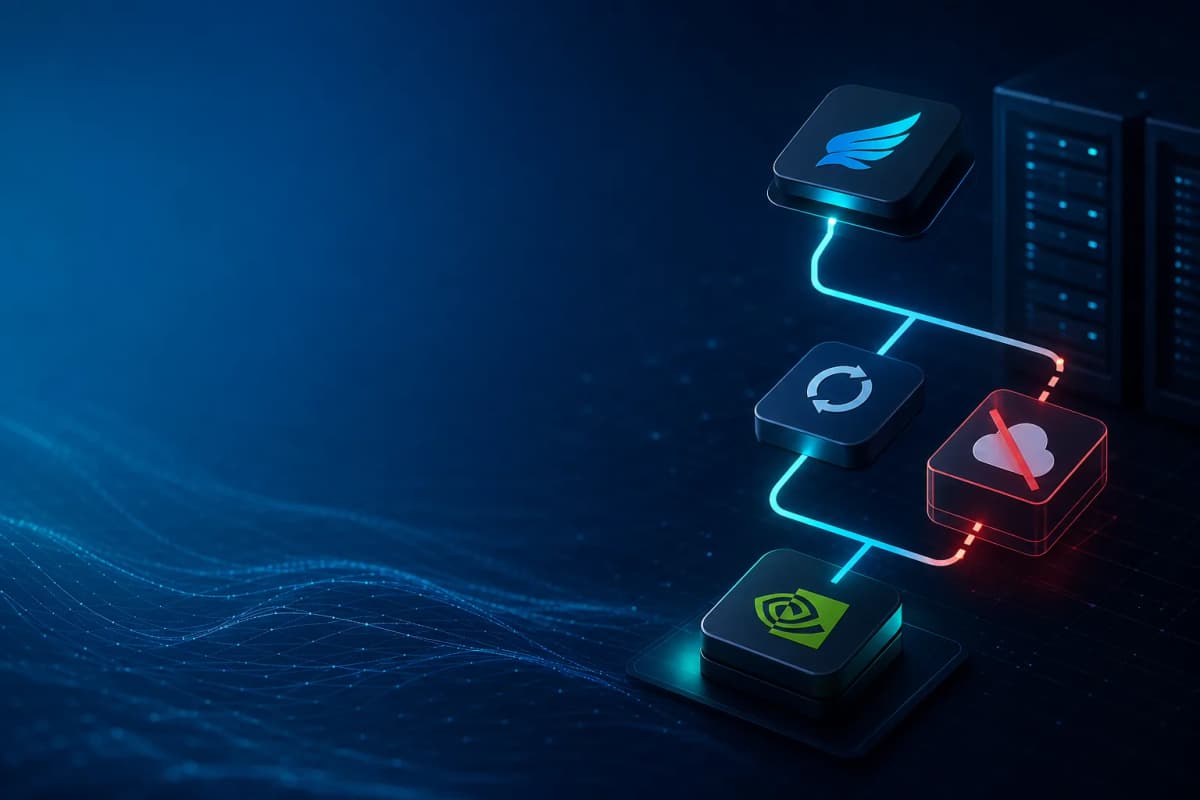
That matters more than most people think. My reason is operational, not ideological. A fallback only works if it fails independently of the primary provider. That is exactly why I wrote about my own NVIDIA NIM fallback setup→. When the main provider hits a billing limit or an outage, a second model on the same provider is not a fallback. It is the same failure with a different label.
NIM is valuable because it gives you a separate failure domain and a real API surface, not just a playground.
Where it wins:
Where it fails first:
3. Hugging Face is the best free place to shop models, not my main pair programmer
Hugging Face’s Inference Providers docs say the platform includes a generous free tier. That makes it the broadest free testing layer in this list.
If I need to try several open and hosted models quickly, Hugging Face is hard to beat. It is useful when I want to compare behavior across providers, check whether a model is good enough for one specific workload, or validate whether a task needs a frontier subscription at all.
I do not treat it as my main coding loop, though. A broad model catalog and a great editing workflow are not the same thing. Hugging Face is strongest when I want discovery and evaluation. It is weaker when I want a tight terminal or IDE loop all day.
Where it wins:
Where it fails first:
4. Ollama is still the best answer when privacy matters more than convenience
The current GitHub trend data tells the story clearly. OSSInsight’s AI rankings currently place ollama/ollama at number two overall and llama.cpp inside the top ten. That is not just hobby traffic. It tells me local inference is still central to the market.
I keep Ollama in the conversation because local models solve a different problem than hosted free tiers. They give you privacy, offline work, and no remote quota. They also give you full responsibility for hardware, performance, and model selection.
If you want the cleanest local free setup, Ollama is still the obvious place to start. I would not pretend it beats frontier hosted models on every hard reasoning task. I would say it is the best way to keep a private, no-subscription path alive in your stack.
Where it wins:
Where it fails first:
5. Aider, Continue, goose, and opencode matter because the workflow layer matters
Model quality is not the whole product anymore. The workflow layer matters just as much.
Aider’s own site describes it as AI pair programming in your terminal. Continue’s docs describe it as an open-source coding agent available as a CLI, a VS Code extension, and a JetBrains plugin, even though the original repository is now read-only after the Cursor acquisition. Goose’s GitHub page describes it as an open-source agent that runs on your machine, and its provider docs explicitly talk about local LLMs and offline work. Opencode positions itself as an open-source coding agent with separate build and plan modes.
This is why I keep pointing people back to MCP developer workflows→. The market is shifting away from one-shot prompt quality and toward governed execution: repo context, terminal loops, planning modes, review loops, fallbacks, and browser verification.
If I need real edits rather than another answer box, I reach for the workflow tools.
What GitHub momentum says right now
The most interesting live signal is not only which model launched. It is which workflow projects developers are pushing upward.
OSSInsight’s current AI rankings show strong momentum in the last 28 days for:
The same page also ranks modelcontextprotocol/servers highly in the MCP category. I read that as a workflow signal, not a fandom signal. Developers want tools that can plan, inspect state, route actions, and keep context across real projects.
That is also why my own recent work keeps landing on combinations rather than single winners. My Claude Opus 4.8 vs Codex review→ was about model tradeoffs. My hybrid AI code review loop→ was about using two strong models differently. Those posts matter because they show the same pattern: the best stack is usually a routing system, not a loyalty test.
When I still pay for GPT-5.5 or Claude
Free tools are not where I stop. They are where I start.
I still escalate to frontier paid models when the work is expensive to get wrong:
OpenAI’s GPT-5.5 changed the baseline for coding in April. Anthropic’s Fable 5 launch and immediate suspension in June was a useful reminder that the frontier can still be operationally unstable even when the model looks exciting on day one. That is exactly why I want a resilient free stack under the premium layer.
Use free tools for the broad middle of the workload. Pay for the hard edge.
My recommended $0 stack today
If I were rebuilding from zero today, this is what I would do:
That is not the smartest-looking stack on social media. It is the one I trust more in real work.
Bottom line
The best free AI coding tools in 2026 are not the tools with the loudest launch week. They are the tools that let you keep shipping when vendor branding, rate limits, and model churn all change under your feet.
If you want the shortest honest answer: start with Google’s free hosted path, add NVIDIA NIM as a backup, keep one local option alive, and choose a workflow tool that edits real code instead of only talking about it.
That is the stack I would build first right now.