Understanding the groove pool in FL Studio
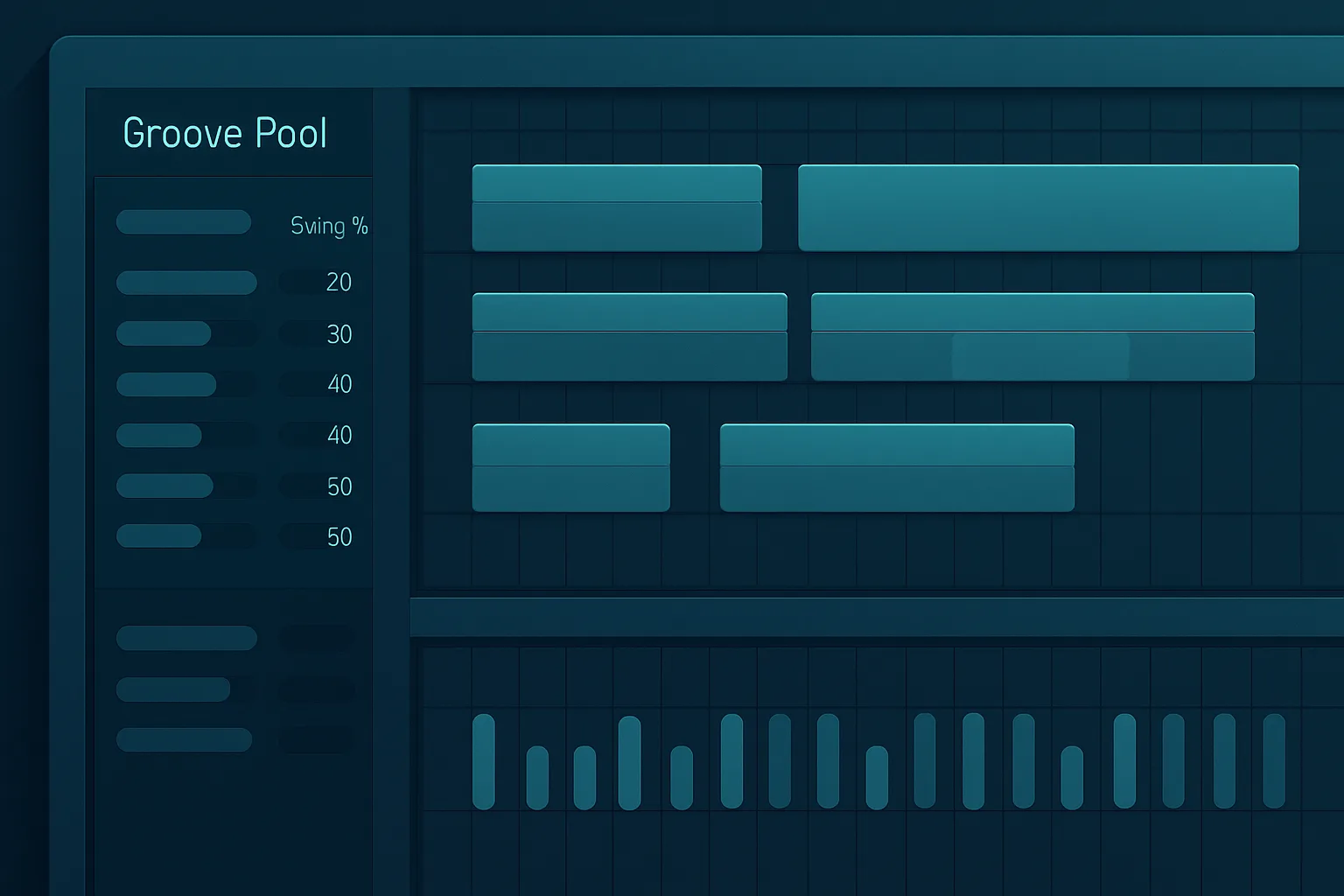
Have you ever programmed a beat that looked perfect on the grid but still felt stiff? The groove pool in FL Studio fixes that problem by adding swing, timing offset, and human feel to your patterns. I use this workflow when I want drums, hats, or percussion to move with more life without losing control.
In my experience, small groove changes can transform a track faster than adding more sounds. In this guide, I show you what the groove pool in FL Studio does, how I use it in real sessions, and how you can apply it without turning your rhythm into a mess.
What the groove pool in FL Studio actually does
The groove pool in FL Studio helps you shape timing so patterns stop landing on the grid in a perfectly mechanical way. That can mean subtle swing, delayed hats, looser percussion, or a more relaxed pocket in your drums.
I use it as both a correction tool and a creative tool. If a loop feels too rigid, I can push it forward or pull it back until the groove supports the song instead of fighting it.
This matters in electronic music, hip-hop, pop, and hybrid productions where the beat needs energy without stiffness. According to FL Studio’s own manual, groove and swing tools let you shift timing in a controlled way rather than randomizing feel, which is exactly why they are useful in real production work. The goal is not randomness. The goal is controlled movement.
Groove pool in FL Studio vs swing knobs
A lot of producers confuse the groove pool with a simple swing knob. Swing changes the feel globally, while the groove pool in FL Studio gives you more control over specific patterns and note groups. That extra control matters when your kick needs to stay tight but your hats need more bounce.
In my sessions, I use that distinction constantly. One part can stay locked while another part drifts a little behind the beat. That contrast creates a more musical pocket and keeps the groove from sounding flat.
How I access and use the groove pool in FL Studio
In FL Studio, I work from the Channel Rack and pattern level so I can keep the arrangement clean. FL Studio makes groove adjustments fast, which matters when I am testing multiple variations in one session.
Here is the basic workflow I follow:
The key is to move in small steps. If you overdo the groove, the track loses impact and starts sounding late instead of relaxed. I learned that the hard way early in my production years, especially on drums that already had strong syncopation.
A fast way to test groove in context
Do not judge groove in solo. Put the pattern inside the full beat and listen to how the kick, snare, bass, and percussion interact. A groove setting that feels great alone can clash with the bassline once the arrangement opens up.
I usually loop 4 to 8 bars and switch between the clean version and the grooved version every few seconds. That A/B check saves time and reveals whether the change adds energy or just makes the timing feel sloppy.
My practical approach to better groove in FL Studio
When I build beats, I start with a clean, tight pattern. Then I add groove only after the kick and snare already work. That keeps the core rhythm strong.
I also separate roles. Kick drums usually stay more stable, while hi-hats, shakers, percussion, and melodic chops can carry more swing. That contrast creates a more musical pocket.
A few practical rules I follow:
In one of my own production sessions, a small timing shift on hats made the beat feel more expensive and less programmed. That kind of change often matters more than people expect. I have seen the same result in film cues and commercial work too: tiny timing moves can lift the entire feel of a track.
Why velocity matters as much as timing
Timing alone can sound artificial if every hit has the same energy. Velocity gives your groove a second layer of movement. When I pair timing shifts with velocity changes, the beat feels more human without losing punch.
This is especially useful for hats, shakers, congas, and sampled percussion. If you want a loop to feel alive, do not only move the notes. Shape the dynamics too.
When to avoid too much groove
The groove pool in FL Studio helps, but it can also ruin a track if you treat it like a default fix. If your drums already hit hard, too much swing can blur the transients and weaken the groove.
I avoid heavy groove on tracks that need precision, such as aggressive EDM drops, tight pop drums, or layered percussion where phase and timing already matter. In those cases, I want the pocket to feel intentional, not loose.
Also, if you use a sample pack that already includes swing, stacking extra groove on top can create timing conflict. Always listen in context, not in solo.
For deeper rhythm work, I recommend checking how your drums interact with the bass and arrangement. A groove setting that sounds subtle in a loop can become obvious once the drop hits. If you work in a high-energy style, the safer move is usually less groove, not more.
Groove pool in FL Studio vs manual timing edits
The groove pool in FL Studio is faster than editing every note by hand, but manual edits still matter when you want total control. I use groove pool-style adjustments for speed, then refine the details manually when a part needs extra character.
That balance saves time. It also helps you stay creative because you spend less time nudging notes one by one and more time making decisions that improve the song.
Here is how I decide:
If you want to improve your FL Studio workflow further, read my guide on groove pool FL Studio workflow→. For more production-side improvement, my article on best VST plugins for 2026→ will help you choose tools that support faster results. You may also want to compare best EDM VST plugins for producers in 2026→ if your tracks live in dance music.
A simple groove workflow I use in real projects
When I want a beat to feel better fast, I use a repeatable process:
That process keeps me from overprocessing the rhythm. It also makes revisions easier when I come back to the session later.
For producers who want cleaner mixes, this workflow pairs well with solid monitoring and reference listening. In my own studio, I rely on Genelec 8351A monitors and Sony MDR-7506 headphones to catch timing issues quickly. Good monitoring makes groove decisions faster and more accurate.
Helpful FL Studio workflow notes
If you produce often, groove decisions should support speed, not slow you down. I use templates, pattern naming, and quick bounce checks so I can test changes without breaking momentum.
A few small habits make a big difference:
This is also where strong organization helps. If you build a repeatable system, you can return to old projects and recreate the same feel quickly instead of guessing.
Images that help readers understand groove
If you publish this article on your site, add a few images to make the concept easier to follow. I would use screenshots from FL Studio and simple before-and-after visuals.
Suggested images:
These images help readers understand the workflow faster and can improve engagement on the page. Moz and Google both emphasize that descriptive alt text supports accessibility and gives search engines more context.
Conclusion
The groove pool in FL Studio gives you a fast way to add swing, human feel, and movement to your patterns. Use it lightly, test it in context, and keep your kick drum under control.
The main takeaways are simple:
If you want your beats to feel less robotic and more musical, the groove pool in FL Studio is one of the fastest tools to master. Try it in your next project, then compare the result with your clean version. If you want more workflow help, read my related FL Studio and plugin articles next.
FAQ
What is the groove pool in FL Studio used for?
The groove pool in FL Studio is used to add swing, timing variation, and a more human feel to patterns. I use it when a beat feels too rigid or when I want hats, percussion, or melodic parts to sit with more pocket. It helps the rhythm breathe without rebuilding the whole pattern.
Does the groove pool in FL Studio work on all instruments?
Yes, but it works best on parts that benefit from movement, such as hi-hats, percussion, and chopped melodies. I usually keep kicks and snares more controlled unless the style needs a looser feel. If you apply too much groove everywhere, the track can lose clarity.
Should I use groove pool or manual editing?
Use the groove pool in FL Studio when you want speed and a fast musical result. Use manual editing when a section needs precision. In my workflow, I often start with groove, then fine-tune by hand. That gives me both efficiency and control.
How much groove is too much?
If the beat starts sounding late, weak, or unfocused, you probably pushed it too far. I always A/B test against the original pattern. Small changes usually work better than dramatic ones, especially in modern electronic or pop production.
Can I combine groove with swing and velocity changes?
Yes, and that is often the best approach. Groove shapes timing, swing adds motion, and velocity adds dynamics. When I combine all three carefully, the result feels more human without losing the tightness that modern productions need.