Can you share any expert tips for achieving a unique and full loud sound for YouTube content?
We often listen to music, podcasts, or watch videos on YouTube, immersing ourselves in the visual and aural experience. However, have you ever wondered about the sound engineering behind it all? Why do some videos leave you reaching for the volume button, while others have you covered in goosebumps from the sheer clarity and volume? This difference can result from a process known as mastering.
Mastering, in audio production, involves the final tweaking of a mixed track. By adjusting the volume, enhancing the sound, and ensuring seamless transitioning between tracks, mastering adds the final polish to your audio recording. When done correctly, you end up with a loud, clear, and maximized sound – perfect for capturing your audience’s attention on platforms like YouTube.
Why Master for Loudness?
The Internet, with its plethora of content, is a constantly buzzing platform. For your content to break through this noise and leave a lasting impact, your sound needs dimension and power. Audiences tend to favor strong, well-mastered audio, associating the robust sound with higher quality content. Plus, you want your content to hold its own against other professionally produced material permeating the platform.
Mastering Basics: The Loudness War
You may have heard the term ‘Loudness War’ thrown around in audio production circles. It refers to the competitive practice of making one’s music louder than others to stand out in the crowd. But this doesn’t mean you should ramp up the volume at the expense of audio quality. Instead, focus on mastering your audio intelligently to achieve loudness without distortion.
How to Master for YouTube?
Loudness Normalization
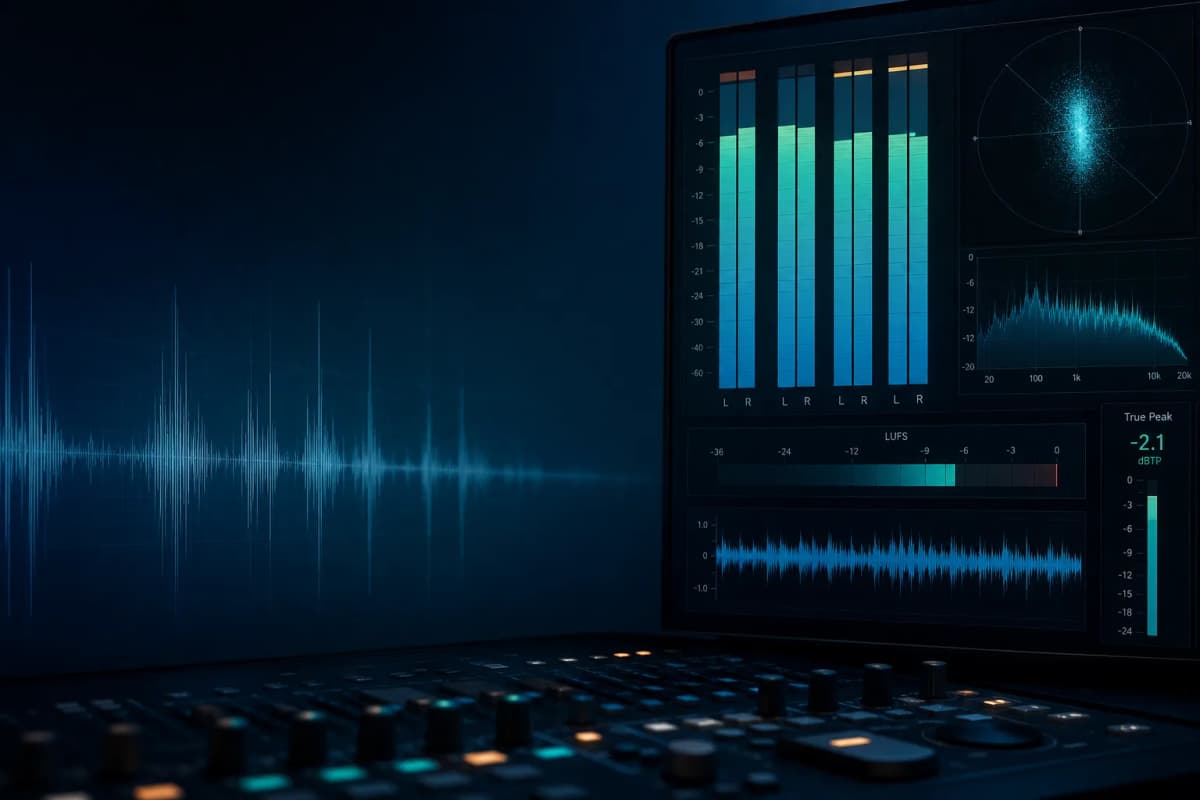
Your first step to louder, YouTube-friendly audio is understanding loudness normalization. This process adjusts the volume of your tracks to meet a specific level. YouTube tends to normalize all its audio to -14 LUFS (Loudness Unit Full Scale). Therefore, to ensure your sound isn’t tampered with, aim for this target when mastering.
Compression
Compression is about balancing your audio’s dynamic range, ensuring no part of your track is too loud or too soft compared to the rest. Effectively using compression in your audio mastering can lead to fuller, stronger, and more consistent sound.
Limiting
Limiting is essentially a form of compression but with a stricter upper threshold for loudness. It prevents the audio from peaking and distorting, making it particularly valuable in mastering for loudness.
In conclusion, mastering for YouTube involves balance between loudness and clarity, to create an audio experience that impressively stands out. With an understanding of these practices and techniques, you can drive your content’s auditory quality to its peak.
Expanding Your Skills
Mastering is both a science and an art. By investing in learning more about audio editing software and tools, practicing, and experimenting, you can hone your skills to produce loud maximized sound for YouTube, and ensure your audience is always tuning in for more.
So let’s turn the volume up, and make your audio heard amidst the digital noise!