Can Ozone 9 be used for mastering in different music genres
Ozone 9 by iZotope is an industry-standard audio mastering software that offers a variety of features to enhance your music production process. Whether you are a professional music producer or an aspiring enthusiast, mastering with Ozone 9 could drastically improve the final output of your music. Today, we will delve into five hacks that are really just impressive features cleverly used to achieve the best mastering results.
1. Master Assistant
The Master Assistant feature in Ozone 9 is like a personal tutor guiding your mastering process. It uses machine learning to suggest a starting point for your mix. Just play the audio, and the Master Assistant will analyze the dynamics and spectral content of your song, then suggest settings across EQ, dynamic, and imaging modules. This feature isn’t meant to finish your mastering but to give you a useful starting point and save you time.
2. Tonal Balance Control
Tonal balance is critical in mastering—and this is where Tonal Balance Control in Ozone 9 is a life-saver. It provides you with visual targets, reflecting aggregate data of many successful tracks, that you should aim for, to ensure your sound reaches listeners as intended. Use Tonal Balance Control to fine-tune your mix, ensuring it sounds great no matter what system it’s played on.
3. Low End Focus
A clear, well-defined low end is crucial to a great sounding mix. Ozone 9’s Low End Focus tool is designed to simplify the process of managing bass frequencies. This feature helps to sharpen blurry low ends by adding or subtracting contrast and definition. The punchy mode brings out the transient, adding more attack to your bass frequencies.
4. Master Rebalance
Master Rebalance in Ozone 9 is an innovative feature that allows you to change the level of vocals, bass, or percussion in a mixed track, even if you do not have individual stems. This tool comes in handy when a specific musical element needs to pop out or be dialed back, allowing for fine-tuning at the final mastering stage without requiring a new mix.
5. Stereo Imaging
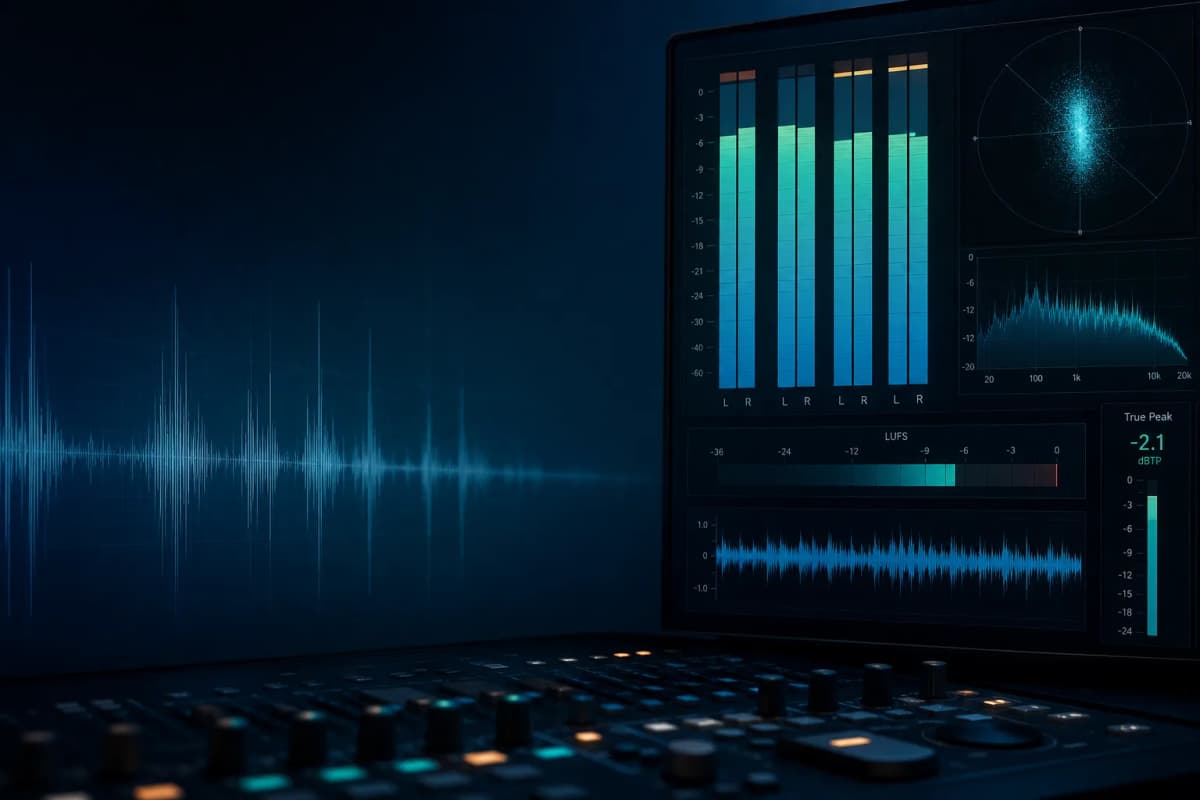
The Imager in Ozone 9 provides powerful controls to tweak the stereo image of your mix. The software displays a vectorscope, correlation meter, and a stereo balance to help you visually monitor the width of your mix. You can adjust the stereo width of different frequency bands, making your mix sound broad and cohesive. Just be careful not to spread it too much or you may risk a weak low end or a mix that “collapses” when summed to mono.
The powerful features of Ozone 9 offer rich possibilities for the mastering process. These five mastering tricks should set you on your way to exceptional sounding tracks. Explore, experiment, and leverage these tools to transform your music into masterpieces.