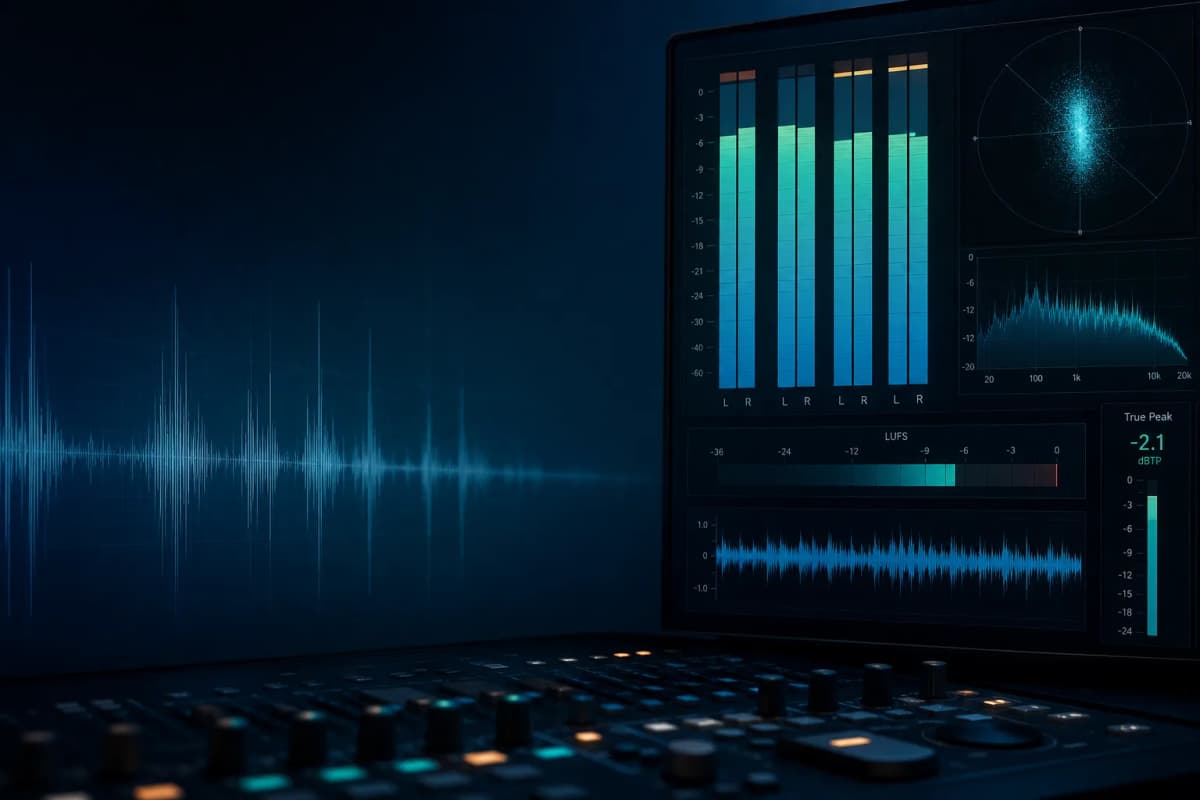
How does PAA improve the sound quality when clipping the Master Bus?
Clipping your Master Bus is a crucial step in the music production process that needs to get done correctly. The Master Bus, often referred to as the stereo bus or mix bus, is where all your tracks are mixed together. Clipping, in this context, is deliberately distorting your signal to prevent it from exceeding a particular threshold. In mastering, it’s used as a way to make the music louder. But how to do it in the right manner? Let’s discuss it!
Before You Begin
The first step to correctly clipping your Master Bus is to ensure that your mix is balanced and well-governed. In essence, this means that the tones, frequencies, and dynamics of the mix have been sorted so that no one element is overpowering any other.
Another important factor to mastering and, in turn, to clipping, is headroom. It’s essential to leave enough headroom in your mix for mastering. Allowing for headroom can help prevent the possibility of clipping and distortion in the mastering phase.
Using Clipping Tools
Many DAWs (Digital Audio Workstations) come with built-in clipping plug-ins, but standalone tools can also be used. A clipper works by cutting off, or ‘clipping’, any signal that goes above the threshold set by the user.
Standard clipping tools allow you to adjust the ‘ceiling’ or the clipping threshold. It is recommended to set the ceiling just below 0dB to prevent any unintentional digital overs, usually around -0.1 or -0.2dB.
The Clipping Process
Step 1: After inserting your clipping plugin on your master bus, you should start by lowering your clipper’s threshold or increase the volume until you notice the gain reduction starting to occur.
Step 2: Then, start to bring up the gain or lower the threshold slowly until you hear distortion. Once distortion is audible, back off a bit. The aim is to increase loudness while avoiding too much distortion.
Step 3: Use your ears and critical listening skills. If the clipper causes any unpleasant distortion or changes the tone too much, you might need to go back to the mix and make some adjustments.
Remember the Balance
Balance is key in the process of clipping your Master Bus. Too much clipping will result in a distorted sound, while too little will not have the desired effect of increasing your track’s loudness. Striking the right balance can provide a clear, powerful finish that pushes your mix without being overbearing.
Conclusion
Clipping your Master Bus is a delicate process that requires attention, precision, and knowledge of your music’s dynamics. It can bring a powerful and loud final touch to your tracks, helping them compete in the loudness-dominated music industry without sacrificing dynamic range or sound quality.
Remember, every song is unique and will require a particular approach. Use these pointers as guidelines rather than rules set in stone. Happy producing!