I like tools that remove boring glue code. Computer vision has too much of it: one model returns boxes, another returns masks, a third returns keypoints, and then you start rewriting format conversion, colors, labels, tracking, zones, export, and evaluation.
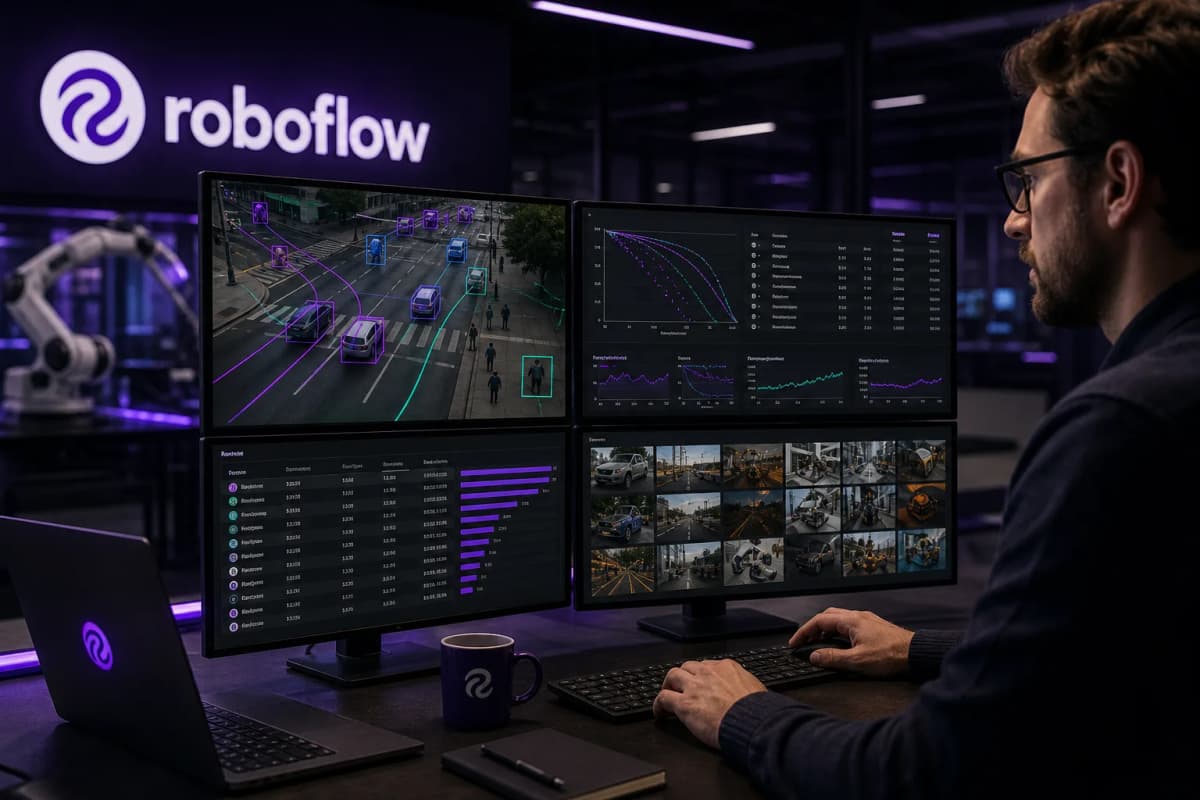
Roboflow Supervision is interesting because it attacks that layer. It is not another model. It is a Python layer around computer vision work: Detections, annotators, dataset loaders, tracking, metrics, and the utilities you need to turn raw inference into product logic.
I have a few app ideas I plan to build with this. I cannot reveal anything about the apps yet, but the pattern is clear: video or image in, structured observation out, then a decision, timeline, or alert that belongs in a real product.
Where Supervision stands now
I checked the sources on July 3, 2026. The roboflow/supervision GitHub repo shows 0.29.1 as the latest release, published on June 23, 2026. PyPI shows the same version. The repo sits around 46,000 stars, more than 4,000 forks, and an MIT license.
Those numbers do not prove the library solves every problem. They show that a lot of developers hit the same pain: the model is only one piece of the job. Around the model, you still need to:
The last point matters most to me. I want to swap models without tearing up the app logic. If the app works internally with sv.Detections, the model can be RF-DETR, YOLO, Roboflow Inference, Ultralytics, or anything else Supervision can read.
Benchmarks: what the numbers say
Roboflow runs a public Computer Vision Model Leaderboard built with Supervision. The method is easy to inspect: Roboflow compares models against Microsoft COCO 2017, runs the benchmarking independently, and follows each model provider's public instructions. Roboflow also states that COCO is a standard benchmark for common objects, but it is not enough for domain-specific work. Special domains need their own data or broader benchmarks.
This sample comes from the raw aggregate_results.json file in roboflow/model-leaderboard, sorted by mAP 50:95. Percentages are rounded.
| Model | Architecture | Parameters | mAP 50:95 | mAP 50 | Small AP | Medium AP | Large AP | License |
|---|---|---|---|---|---|---|---|---|
| --- | ---: | ---: | ---: | ---: | ---: | ---: | ---: | --- |
| RF-DETR-XXL | RF-DETR | 126.9M | 59.9% | 78.2% | 43.2% | 64.8% | 76.0% | PML-1.0 |
| RF-DETR-XL | RF-DETR | 126.4M | 58.5% | 77.1% | 40.1% | 63.8% | 76.1% | PML-1.0 |
| DEIM-D-FINE-X | DEIM-D-FINE | 61.7M | 56.5% | 74.0% | 38.8% | 61.4% | 74.2% | Apache-2.0 |
| YOLO26x | YOLO26 | 55.7M | 56.3% | 73.4% | 40.5% | 60.6% | 72.4% | AGPL-3.0 |
| RF-DETR-L | RF-DETR | 33.9M | 56.3% | 74.8% | 37.4% | 60.8% | 73.8% | Apache-2.0 |
| DEIM-RT-DETRv2-X | DEIM-RT-DETRv2 | 74.9M | 55.5% | 73.5% | 37.9% | 59.9% | 72.9% | Apache-2.0 |
| RF-DETR-M | RF-DETR | 33.7M | 54.8% | 73.6% | 36.0% | 59.8% | 73.7% | Apache-2.0 |
| YOLOv12x | YOLOv12 | 59.1M | 54.0% | 70.3% | 38.2% | 59.6% | 69.8% | AGPL-3.0 |
My read: RF-DETR dominates the top of the COCO quality table, especially in the larger variants. That does not automatically make RF-DETR-XXL the right app model. Size, license, latency, deployment target, and the cost of mistakes matter as much as mAP.
Small models tell a different story:
| Model | Parameters | mAP 50:95 | mAP 50 | Small AP | License |
|---|---|---|---|---|---|
| --- | ---: | ---: | ---: | ---: | --- |
| YOLO26n | 2.4M | 39.9% | 55.2% | 19.2% | AGPL-3.0 |
| YOLOv13n | 2.5M | 40.4% | 56.2% | 19.4% | AGPL-3.0 |
| YOLOv12n | 2.6M | 39.7% | 55.0% | 19.1% | AGPL-3.0 |
| YOLO11n | 2.6M | 38.6% | 53.9% | 18.9% | AGPL-3.0 |
| YOLOv8n | 3.2M | 36.5% | 51.4% | 17.4% | AGPL-3.0 |
For apps, this table often matters more than the top row of the leaderboard. A local Mac app, mobile prototype, retail edge box, or video tool rarely needs the largest model first. It needs a good first answer, fast response time, predictable behavior, and a known error profile.
Roboflow's own guide to object detection models adds useful latency context: it lists RF-DETR-M at 54.7% mAP on COCO with 4.52 ms latency on an NVIDIA T4, while YOLOv12-X is listed at 55.2% mAP with 11.79 ms latency. Those numbers come from a Roboflow article, not from the leaderboard raw file, so I treat them as supporting context rather than the same benchmark run.
The useful part is bigger than mAP
Supervision becomes useful when benchmarking moves from a table into an app decision.
A product needs answers the leaderboard cannot give on its own:
Supervision fits that phase. You can run several models against the same dataset, normalize the outputs into the same structure, draw comparable outputs, and measure them with the same metrics. You can also build product rules on top of detection objects: zones, line crossings, dwell time, speed, counts, CSV/JSON export, and visual review.
Many computer vision apps stop at the demo where the model draws a box. The product starts when you know what the box means over time.
Small release details that matter
The changelog is practical. In 0.26.0, Roboflow wrote that sv.HeatMapAnnotator got roughly 28x faster HSV color mapping on 1920x1080 frames. The same release made sv.MeanAveragePrecision fully aligned with pycocotools, which matters if you want to trust COCO-style measurement.
In 0.28.0, Roboflow added sv.CompactMask, which stores sparse masks as crop bounding boxes plus RLE instead of full-resolution bitmaps. Roboflow lists up to 240x lower memory use for sparse masks. That change does not sound dramatic in a demo, but it can decide whether a video app survives longer sessions.
They have also fixed practical issues: float FPS in VideoInfo, audio muxing in process_video, logging through Python's logging, and path traversal protection when loading COCO annotations. That is not marketing. That is library maintenance you notice when you build something that has to keep running.
How I would benchmark my own ideas
I would start with three levels.
First, model benchmarks: mAP 50:95, mAP 50, small/medium/large AP, F1, and confusion matrix on a dataset that matches the app's real environment. COCO gives direction, not the final decision.
Second, runtime benchmarks: latency per frame, memory peak, CPU/GPU load, battery impact, and behavior over longer video. I want numbers after 5 minutes, not one clean image.
Third, product benchmarks: how often the user has to correct the system, how many events get saved incorrectly, how much data must be stored, and whether the UX handles uncertainty. A computer vision app that hides uncertainty can create bad decisions even when the model looks good in a table.
That is why I am looking at Supervision now. It gives me a neutral layer where the model can stay replaceable while annotation, tracking, measurement, and export keep the same shape.
My takeaway
Roboflow Supervision does not make computer vision easy. It makes it less messy.
That is the difference I care about. When I build the app ideas I cannot discuss yet, I do not want to get stuck in custom format conversion and a half-maintained pile of scripts. I want to test model A against model B, inspect the results visually, measure them with the same metrics, and build product logic on a structure I can trust.
Supervision looks like a strong layer for that work.