How I Built an **AI automation ecosystem CRM** for Small Business
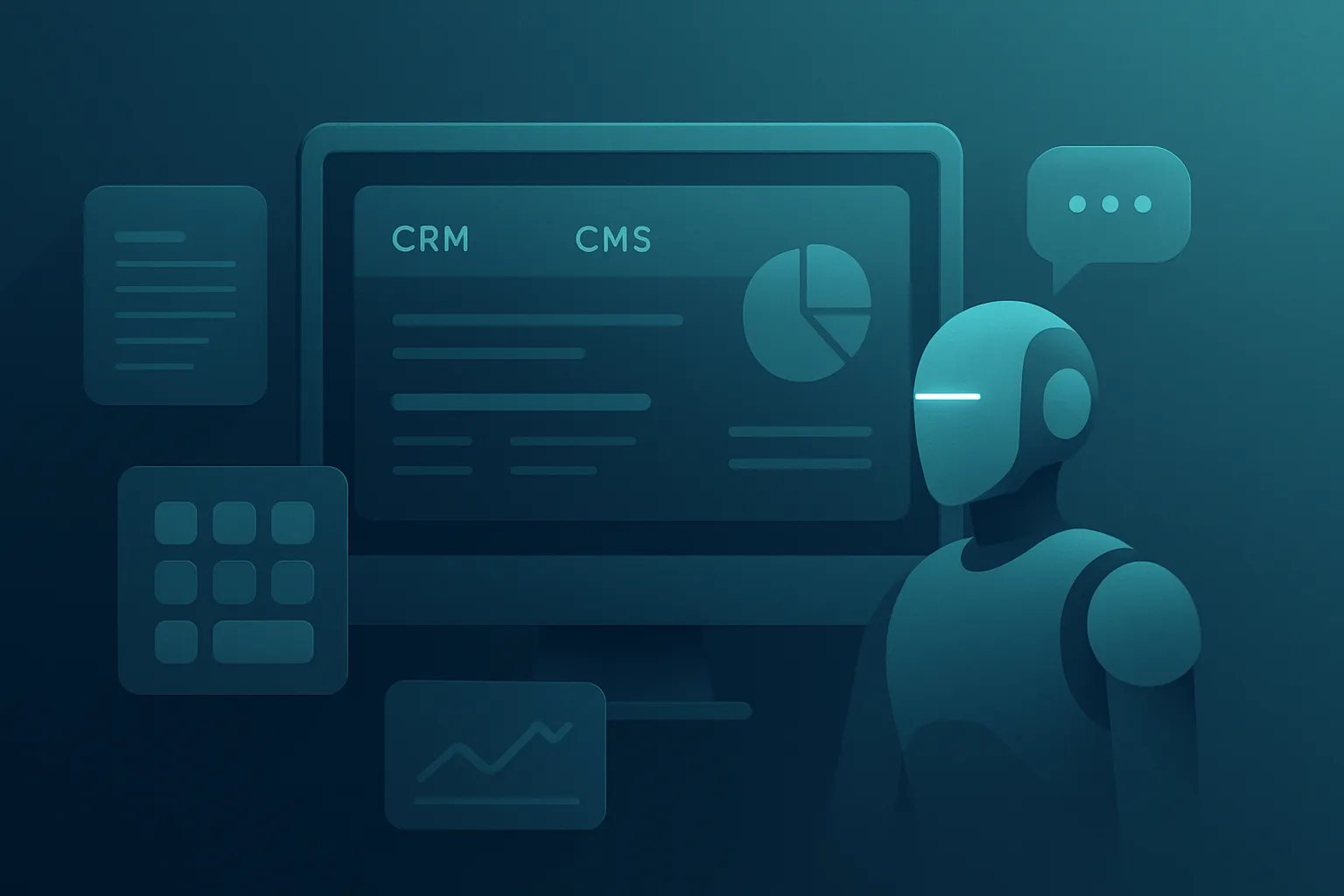
I built this AI automation ecosystem CRM because I needed one operational brain for sales, outreach, workshop follow-up, and content. I run real businesses, not lab demos, so the system had to work inside a messy daily workflow. The result is a three-system setup: OW-Panel, AutoMail, and OW Autopost, all connected through Perfex CRM as the central hub.
In practice, this setup reduced manual coordination across Optagonen workshops and related business operations by 75-85% in the tasks it touches. That does not mean everything is fully autonomous. It means the repetitive parts are handled fast, while human approval stays in the loop where it matters most.
My goal was simple. I wanted a system that could capture leads, classify intent, trigger the right action, and keep the content engine moving without adding more admin work. That is the core of this AI automation ecosystem CRM.
Why I Chose Perfex as the Core CRM
Perfex CRM became the center because it is flexible enough for heavy customization, but still practical for small business operations. I needed something that could act as both a customer database and an orchestration layer. In my experience, most CRMs are either too rigid or too generic for real automation.
I extended Perfex with 37+ custom modules. These include integrations for Telavox, Google Calendar, Dropbox, Listmonk, and bank import. I also added OpenAI-connected workflows, project automation, and automated routing logic for outreach and workshops.
What the CRM had to do
The CRM had to support more than contact storage. It needed to become the operational source of truth.
This is where Perfex CRM modules became the backbone of the whole build. Once the CRM could act as the central hub, the rest of the ecosystem became much easier to scale.
Why centralization matters
When you split customer data across too many systems, automation becomes fragile. One workflow breaks, and the whole process starts to leak. By keeping Perfex at the center, I reduced duplication and made every agent work from the same source of truth.
That architecture also made debugging much easier. If a lead moved from inquiry to workshop booking, I could trace the entire path in one place.
OW-Panel: The Operational Layer on Top of Perfex
OW-Panel is my custom operational layer built on top of Perfex. It is where the business logic lives. Perfex stores the data, but OW-Panel decides what should happen next.
OW-Panel connects the CRM to automation events, lead states, workshop logic, pricing triggers, and team workflows. It is also where I manage the handoff rules that prevent over-automation.
Main functions of OW-Panel
This layer is what turns a CRM into an AI automation ecosystem CRM instead of just a contact database.
The 37+ module approach
A lot of people ask why I built so many modules instead of one giant plugin. The answer is maintainability. Small modules are easier to test, easier to swap, and easier to audit.
Some modules are simple connectors. Others handle business logic. The important part is that each module has one job.
Examples include:
This modular approach is one of the main reasons the system stayed stable under daily use.
AutoMail: Multi-Agent AI Outreach With Guardrails
AutoMail is the outreach engine. It is built in Python and Flask, and it uses a multi-agent structure instead of a single prompt pretending to do everything. I did that because different outreach tasks need different reasoning steps.
The system uses GPT-4o together with Brave Search for research and context. That combination works well when I need current information about a prospect, company, or media outlet. The result is smarter outreach with less guesswork.
The agents I built
AutoMail uses a set of specialized agents:
Each agent has a defined role. The OrchestratorAgent controls the flow. LeadResearchAgent gathers and filters prospect data. WorkshopAgent handles workshop-related logic. MediaOutletAgent supports press and media targeting. EmailAgent drafts the final message.
This structure makes the multi-agent AI outreach pipeline more reliable than a single-model script.
How the outreach flow works
The flow is designed to reduce bad sends and improve relevance.
That approval gate is not optional. It protects the brand and keeps the system aligned with real business judgment.
Why I insist on human approval
Automation is useful, but blind sending is expensive. A fast AI mistake can damage trust faster than a slow manual workflow. I prefer systems that accelerate the work without removing accountability.
That is especially important in AI email outreach, where tone, relevance, and context matter a lot.
Approval Gates and Human Handoff Rules
The biggest operational rule in my ecosystem is simple: the AI can prepare, but it cannot blindly send in sensitive cases.
I built automatic human handoff triggers for signals that indicate the lead needs a person, not a bot. These include:
When one of those signals appears, the workflow stops and routes to a human. That rule protects conversions and keeps the system useful.
Why this matters in small business automation
Small business automation should save time, not create support debt. If a lead is ready to buy, I want a human involved. If someone is confused or upset, I want a human involved even faster.
That is the difference between real small business automation and reckless automation.
OW Autopost: Autonomous Content Management From Workshop Data
OW Autopost is the content layer of the ecosystem. It turns workshop data into social content, WordPress drafts, and visual assets. The system runs on a scheduled rhythm, generating content two times per day.
I built it to solve a common problem. After workshops, we had useful material sitting in notes, summaries, and internal records. That content was valuable, but it was not being reused efficiently. OW Autopost fixes that.
What OW Autopost produces
This is my autonomous content management system, but it still includes evaluation. I do not believe in fully unsupervised publishing for business content.
How the workflow runs
The 2x/day schedule keeps output consistent without flooding the audience.
Why this works well for Optagonen workshops
Optagonen's workshop model produces structured, repeatable learning outcomes. That makes it ideal for content automation. Instead of inventing topics from scratch, the system transforms actual workshop activity into content assets.
That creates a real feedback loop between service delivery and marketing.
REST APIs, Docker, and System Architecture
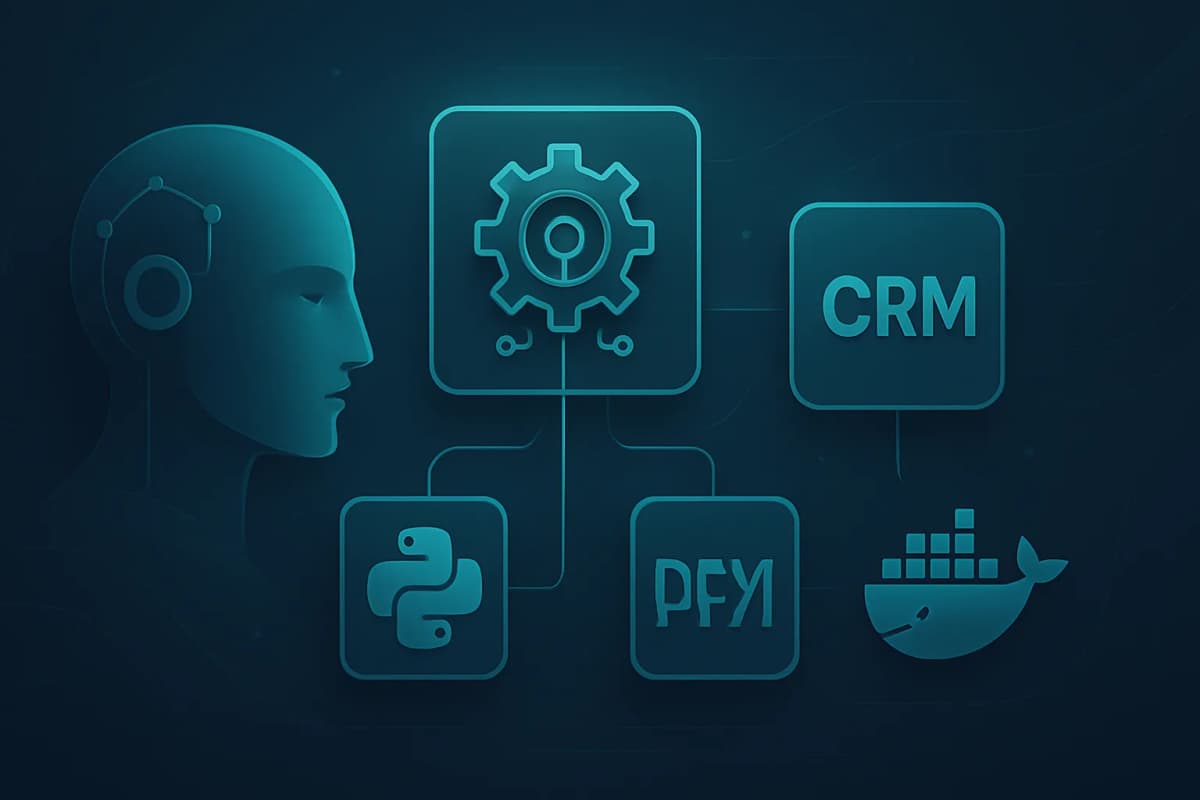
I wanted these systems to be independent, but not isolated. That is why they communicate via REST APIs, with Perfex as the central hub.
OW-Panel sends structured events to AutoMail and OW Autopost. AutoMail returns research, draft content, and status updates. OW Autopost consumes workshop metadata and content prompts. Perfex stores the results and keeps the business record intact.
Why REST was the right choice
REST APIs made the system simple to debug and easy to deploy across services. I did not want tight coupling. I wanted clean boundaries.
That gives me three advantages:
Docker deployment benefits
I deployed the stack with Docker because it keeps environments repeatable. That matters when you are running Python, Flask, CRM customizations, scheduled jobs, and external integrations.
Docker also reduced setup friction across development and production. Once the containers were stable, deployment became much more predictable.
What I learned about operational stability
Even strong automation systems fail if deployment is messy. The stack has to be boring in production. I care more about reliability than cleverness.
In my work building e-commerce sites and automation systems, the best architecture is usually the one that fails gracefully.
Results, Limits, and What I Would Do Again
The biggest result from this build was not just faster execution. It was consistency. The system now handles lead routing, outreach preparation, and content generation with far less manual work.
For the Optagonen workshop model, that translates into 75-85% efficiency gains in the areas the system covers. That includes research, draft creation, content repurposing, and workflow coordination.
What I would absolutely keep
What I would not overdo
I have tested these ideas in real sessions, and the pattern is clear. The best AI systems are not the ones that do everything automatically. They are the ones that reliably remove the right manual work.
Practical Lessons for Building Your Own AI Automation Ecosystem CRM
If you want to build a similar system, start smaller than I did. Do not begin with ten agents and thirty modules. Start with one workflow, one approval gate, and one source of truth.
My practical advice
A simple rollout order
That is the most practical way to build a durable AI automation ecosystem CRM.
Conclusion: Build Systems That Assist, Not Replace
My view is simple. A good AI automation ecosystem CRM should make the business faster, not less human. OW-Panel, AutoMail, and OW Autopost work because they are connected, modular, and constrained by real approval logic.
If I were starting again, I would still build the same way: Perfex at the center, REST APIs between services, multi-agent AI where it adds value, and human review where the stakes are high. That balance is what makes the system usable in the real world.
The takeaway is clear. Build automation that reduces friction, protects trust, and keeps your team focused on high-value work. That is the standard I use in my own businesses, and it is the standard I recommend for any small business automation stack.