This is Part 2 of my headless WordPress migration series. Headless WordPress deployment is where the real problems start, because DNS, SSL, images, forms, and redirects all break in different ways. In Part 1, I rebuilt the frontend in one day with Claude Code, Stitch MCP, and Next.js. In this article, I show the deployment issues I hit, how I fixed them, and why AI still needed human judgment.
The Headless WordPress Deployment Problem Nobody Talks About
Building the frontend is the easy part. In my experience, headless WordPress deployment becomes hard the moment you split one site into two systems: Vercel for the frontend and WordPress for the backend. You no longer have one simple stack. You have DNS, certificates, media URLs, REST endpoints, and admin access all pulling in different directions.
When optagonen.se moved to Vercel, every request that used to hit WordPress started landing on the new frontend instead. That broke GraphQL, uploads, Contact Form 7, and admin access in one move. If you are planning your own headless WordPress deployment, you need to design for those breakpoints before you switch DNS.
I tested this in a real production migration, not in a sandbox. The lesson was clear: the code was done fast, but the infrastructure took the time.
Splitting DNS for a Headless WordPress Deployment
The cleanest fix was to give WordPress its own subdomain: wp.optagonen.se. That separated the frontend and backend without forcing me to reverse proxy everything through one origin. It also made the architecture easier to reason about when troubleshooting SSL and media delivery.
| Domain | Points to | Purpose |
|---|---|---|
| --- | --- | --- |
optagonen.se | Vercel | Frontend in Next.js |
wp.optagonen.se | Origin server | WordPress backend |
I added wp.optagonen.se as an alias in Hestia, pointed the DNS A record to the origin IP, and updated the frontend environment variable:
WP_URL=https://wp.optagonen.seCF7_FORM_ID=8WP_APP_PASSWORD=...That part is simple on paper. In practice, the headless WordPress deployment exposed a chain reaction. Every system that assumed the old domain needed a new target.
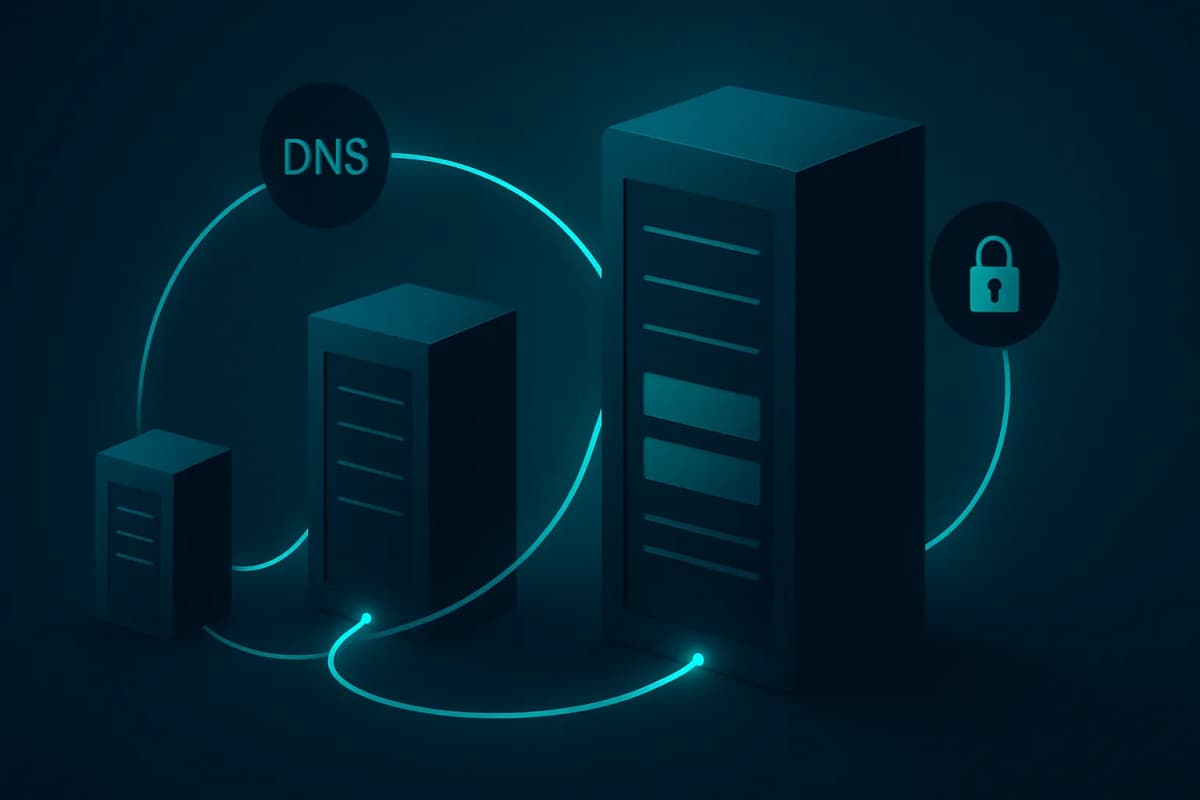
Headless WordPress Deployment and SSL Certificate Failures
The first thing that broke was SSL. The old Let's Encrypt certificate only covered optagonen.se and www.optagonen.se, so https://wp.optagonen.se failed immediately. This is expected behavior. Let's Encrypt validates domain ownership per hostname, and the browser will reject the connection if the certificate does not match.
Hestia's built-in renewal failed because it still tried to validate the main domain through HTTP-01, but the main domain now pointed to Vercel. Certbot failed for a different reason: Hestia intercepted the ACME challenge and returned its own thumbprint instead of Certbot's. That is the kind of conflict AI cannot infer from first principles. You need to know how the panel behaves.
I fixed it by temporarily moving Hestia's ACME challenge config out of the nginx include path, issuing a certificate only for wp.optagonen.se, and then copying the renewed files back into Hestia's SSL directory. I also added a renewal hook so the process stays automatic.
For trust, I leaned on the official docs from Let's Encrypt and Certbot. That helped confirm the ACME flow before I touched production again.
Why the Headless WordPress Deployment Rejected the Subdomain
Once SSL worked, WordPress still did not accept the new host. Instead of returning GraphQL data, it redirected to /wp-signup.php. That told me WordPress did not like the incoming host header.
The fix was a single nginx directive:
proxy_set_header Host optagonen.se;That line made WordPress behave as if requests still came from the main domain, while the browser stayed on wp.optagonen.se. In a headless WordPress deployment, that kind of host normalization matters more than people expect. WordPress is very opinionated about site URLs.
I have seen this same class of issue show up in other migrations too. The frontend works, the backend responds, and then one mismatched host header silently breaks the session flow.
Images Broke After the Headless WordPress Deployment
After the deploy, every image returned a 502 error. That happened because WordPress media URLs still pointed to /wp-content/uploads/..., and those paths now resolved against Vercel instead of the origin server. In my setup, the problem came from two places: hardcoded URLs in static files and dynamic URLs returned by WPGraphQL.
I fixed the hardcoded URLs first. I replaced every https://optagonen.se/wp-content/uploads/ reference with https://wp.optagonen.se/wp-content/uploads/ across six files. That covered about 70 image paths.
Then I fixed the dynamic GraphQL URLs with a Next.js rewrite:
/wp-content/uploads/:path* → https://wp.optagonen.se/wp-content/uploads/:path*That kept the frontend clean and avoided rewriting media data inside WordPress. It also made the headless WordPress deployment more maintainable, because the browser still requests the same path while the server handles the proxying.
If you want to go deeper on this kind of system design, I recommend reading my AI-powered WordPress migration workflow→ and my multi-agent content pipeline→. Those posts show how I structure infrastructure and content systems around automation.
Contact Forms, IDs, and the Last Deployment Trap
Contact Form 7 looked fine at first, but the form stopped working because the ID in the frontend was wrong. The default form ID was 1, but the real form in WordPress was 8. A quick API check confirmed it.
That was a small fix, but it matters. In a headless WordPress deployment, one wrong ID can make a working form look broken even when the backend is healthy. I set CF7_FORM_ID=8 and the form immediately came back online.
This is why I always test the full flow manually:
That sequence catches problems faster than guessing from logs alone.
What AI Helped With and What It Missed
Claude Code helped me move fast, but it did not replace understanding. It handled the repetitive parts well: grepping config files, generating nginx snippets, helping with certbot commands, and replacing image URLs in bulk. It also kept the error chain in memory, which saved time when one fix created another problem.
However, AI could not decide the full architecture. It did not know that Hestia would intercept ACME requests. It did not know when to use a subdomain instead of a reverse proxy. And it did not know the order of operations that would avoid downtime.
That is the real value of AI in a headless WordPress deployment: it accelerates diagnosis, but you still need the human who understands the stack. I use the same principle in my work building AI automation systems for e-commerce→ and in my content pipeline work.
Final Architecture After the Deployment
After the fixes, the stack settled into a clean split:
| Component | Location | Purpose |
|---|---|---|
| --- | --- | --- |
| Next.js frontend | Vercel | Serves pages and handles routing |
| WordPress + WPGraphQL | wp.optagonen.se | Content API and media storage |
| Contact Form 7 | wp.optagonen.se | Form handling |
| Image proxy | Next.js rewrite rule | Routes uploads to origin |
| Frontend SSL | Vercel | Automatic management |
| Backend SSL | Certbot + renewal hook | Auto-renewed certificates |
That structure is stable and easy to debug. It also keeps the frontend fast while preserving the editorial workflow inside WordPress. For a headless WordPress deployment, that balance is the goal.
Lessons From This Headless WordPress Deployment
Here is what I learned from the migration:
These lessons came from a real production move, not a tutorial. That is why I now budget as much time for deployment as I do for building.
Conclusion
Headless WordPress deployment is not hard because of the code. It is hard because DNS, SSL, media, and host headers all depend on each other. In this migration, I fixed the subdomain split, certificate validation, image delivery, and Contact Form 7, and I learned exactly where AI helps and where it stops.
If you are planning your own migration, read the frontend rebuild first, test your certificate flow early, and verify every media path before launch. Then check the live site, confirm the forms, and make sure the backend still behaves the way WordPress expects.
If you want more practical deployment breakdowns, keep reading the related posts and compare them with your own stack. That is the fastest way to avoid mistakes in your next headless WordPress deployment.
Suggested image alt text: