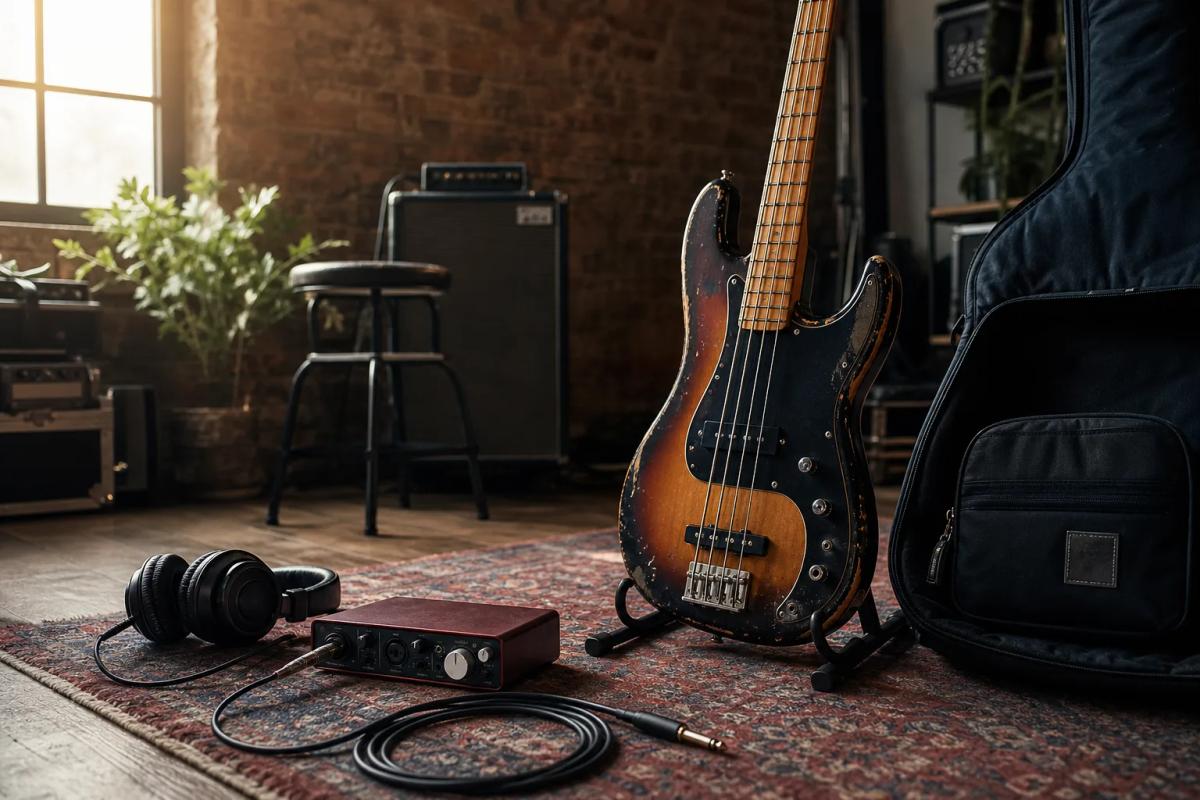
Start your freelance musician gear list with one paid job. A client books you to play bass on a chorus and asks for a clean track. You can record it with your bass, an instrument cable, an interface with an instrument input, headphones and recording software on your computer. The producer can choose the amp sound later.
A singer needs a quiet place to record. A keyboard player covering a wedding needs to know who is bringing the stand. Before paying for either session time or extra baggage, work out who supplies what.
What to ask before you buy or pack anything
For a remote session, ask for the backing track, tempo, recording format and an example of the sound the client likes. Confirm which parts they want, when they need them and whether they want processing on the recording. “One lead vocal and two separate harmony tracks” gives you a way to check your delivery. “Send vocals” leaves both sides guessing.
For a live booking, get the set list and call time from the bandleader. Ask the venue or production contact which amps, stands, direct boxes and monitors will be there. Get specific about anything physically awkward to replace. A house keyboard does you little good if nobody has the right power supply or sustain pedal.
Freelance musician gear for remote sessions
Singer or acoustic player
Start with a microphone, a stable stand, headphones and a way to record to your computer. An XLR mic needs a compatible input and cable. A USB mic with a headphone output can cover both input and monitoring for a solo take.
For vocals, add a pop filter and try recording the loudest line of the song. Listen for room echo, sharp P sounds and headphone bleed. Try another mic position or a quieter corner before you spend money. Shure’s vocal recording guide
Electric guitarist or bassist
For a clean direct take, plug the instrument into an interface input marked Inst or Hi-Z. Use the interface’s direct monitoring if the delay in your headphones makes you play late.
If you need to hear an amp simulator to get the part right, monitor through the software and check that you hear only one signal. Agree whether to send the clean performance, the amp sound or both. Focusrite’s direct monitoring guide · Guide to microphone, instrument and line levels→
Keyboard player or arranger
For a software piano, your controller, computer, recording software and headphones can be enough. Ask whether the producer wants the piano sound you chose, editable MIDI notes, or both.
For the left and right analog outputs of a hardware keyboard, count two line inputs and pack both cables. Drop the exported recording into an empty project and play it with the keyboard switched off. If you hear your performance, the file contains audio you can send to the producer.
What belongs in a live gig bag?
Pack the items that let you play your own part from beginning to end. For a guitarist that might mean the guitar, strap, tuner, picks, instrument cable, pedal power supply and a spare set of strings. A keyboard player might swap the picks and strings for a sustain pedal, power adapter and the cables their outputs take. Keep a paper set list or an offline copy on your phone.
The venue agreement determines the bulky items. Suppose the house supplies two direct boxes and a wedge monitor for stereo keys. You still need to agree who supplies the keyboard, stand and the two leads from the keyboard to the boxes. Write that down in the booking thread. If you lead the band, a simple stage plot and input list lets the engineer confirm the arrangement before load-in. MusicNSW’s tech rider and stage plot template
A ten-minute delivery check for remote jobs
Try this with the bass booking. The chorus starts at bar 33. Exporting only the notes you played leaves the producer guessing where the first note belongs. Export from the agreed song start, leaving the silence before the chorus intact. Match the requested sample rate and file format. Ableton documents the same start-and-length approach for files that need to line up in another session. Ableton’s guide to exporting stems and parts
NightDrive_Bass_DI_v2.wav tells the producer which take contains the clean bass.Run that rehearsal with the gear you already own. A crackling cable, a missing pedal or a vocal take full of room echo gives you a specific purchase or repair to make before you accept the next job. If you’re still looking for the booking itself, start with these freelance websites for musicians and producers→.