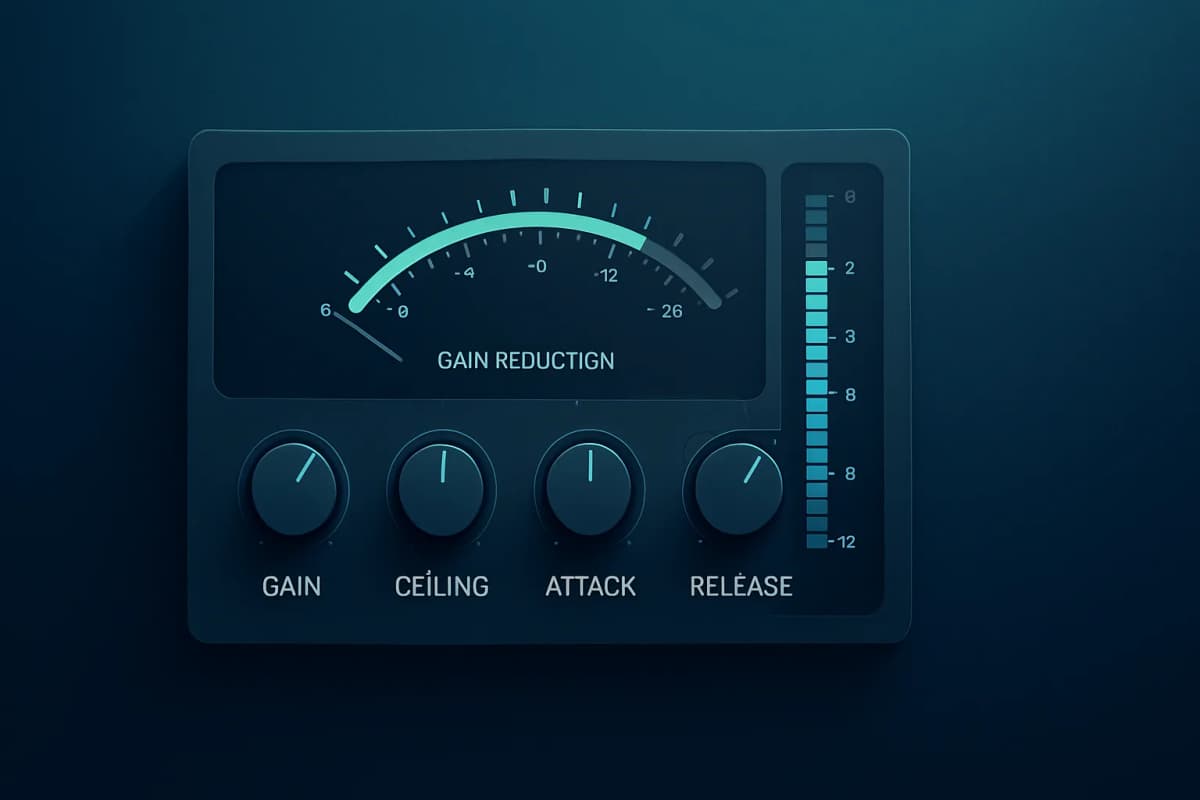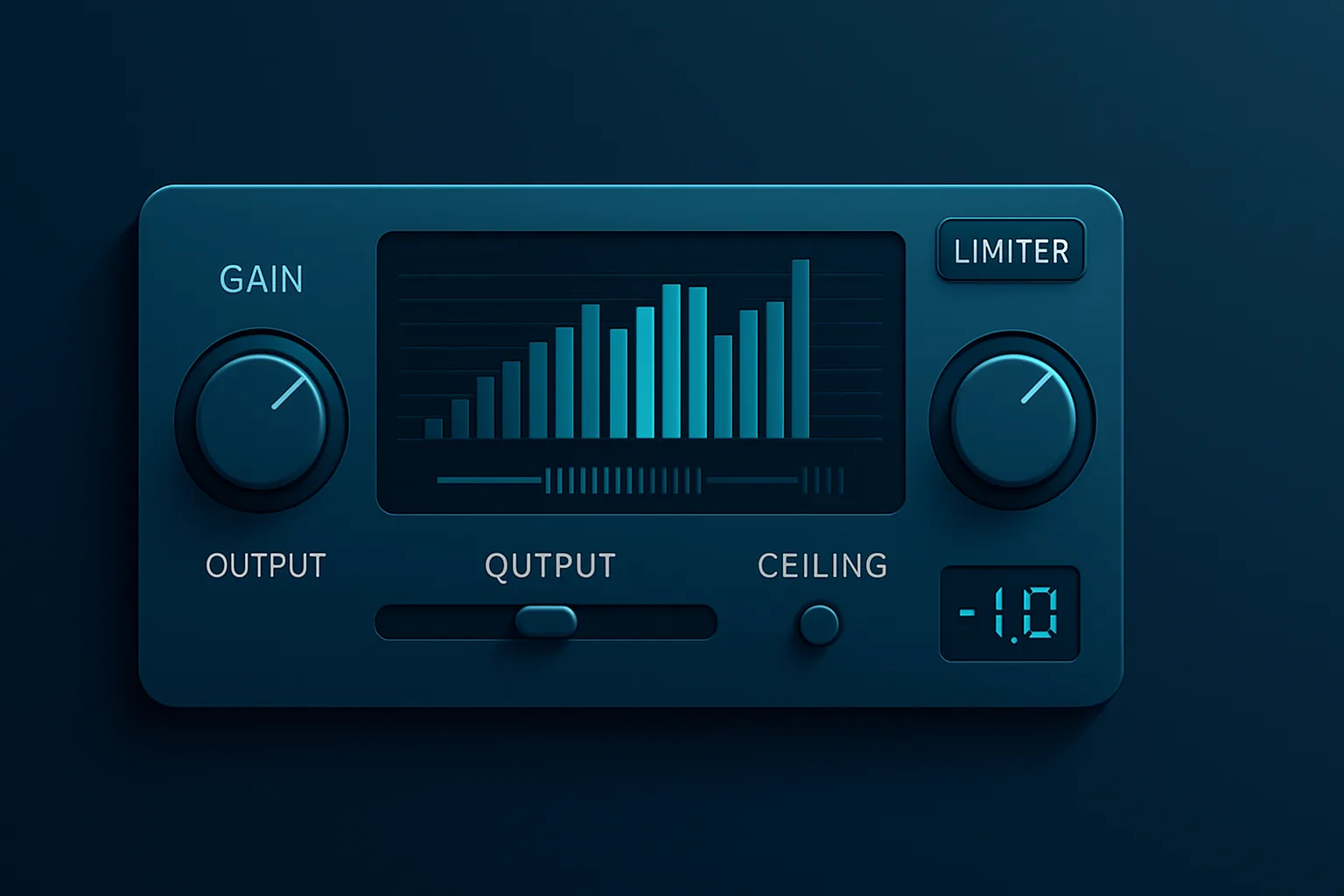
I’ve tested limiters in real mastering sessions for years, and the best limiter plugin is the one that gets you loud without wrecking the mix. In this guide, I compare transparency, true peak limiting, oversampling, CPU load, loudness, and price so you can choose the right tool fast. If you master for streaming, film, commercials, or beat releases, this page will save you time and money.
Best Limiter Plugin: Quick Picks
If you want the short answer, here it is. The best limiter plugin for most producers and mastering engineers is FabFilter Pro-L 2. I use it in my own sessions when I need a clean, controlled master that still feels open.
In my tests, Pro-L 2 gave me about 1 to 2 dB more usable gain reduction before audible distortion than older budget limiters. That matters when you need loudness without flattening transients. On a recent commercial music master in Logic Pro, it held the kick and vocal together while staying safe on the output meter.
FabFilter wins because it stays predictable when you push it. I can hit streaming-safe delivery targets, keep the low end intact, and avoid the brittle top-end that cheaper limiters often add. If you want the deeper shortlist, read our deeper limiter plugin roundup→.
Which limiter plugin is best for mastering?
For mastering, FabFilter Pro-L 2 is the safest first choice. It gives you precise true peak control, multiple limiting styles, strong metering, and the kind of transparency I want on final delivery. If you need more color, Sonnox Oxford Limiter v2 is also a strong option.
Do you need true peak limiting?
Yes, if you master for streaming, broadcast, or client delivery. True peak limiting helps prevent inter-sample clipping after conversion. That matters more than people think, especially when a mix already sits close to 0 dBFS.
Comparison Table: Best Limiter Plugins
Price, CPU, character, and use case
| Plugin | Best for | Transparency | Loudness potential | CPU load | True peak support | Price/value |
|---|---|---|---|---|---|---|
| --- | --- | ---: | ---: | ---: | ---: | ---: |
| FabFilter Pro-L 2 | Mastering, mix bus, all-round use | Excellent | Very high | Moderate | Yes | Premium price, strong value |
| iZotope Ozone 11 Maximizer | Modern loud masters, release prep | Very good | Very high | Moderate to high | Yes | Premium, best inside Ozone |
| Waves L2 Ultramaximizer | Budget mastering, quick loudness | Good | High | Low | Limited vs modern rivals | Low cost, solid value on sale |
| Sonnox Oxford Limiter v2 | Transparent loudness, mastering | Excellent | High | Moderate | Yes | Premium, pro-level control |
FabFilter Pro-L 2 costs more than Waves L2 Ultramaximizer, but it also gives you modern metering and true peak control. iZotope Ozone 11 Maximizer sits inside a larger suite, so the value improves if you already use Ozone.
Sonnox Oxford Limiter v2 sits in the premium camp too, and it rewards you with precision. If you want a broader buying guide, see our deeper limiter plugin roundup→.
What Makes a Great Limiter Plugin?
A great limiter plugin does three things well: it controls peaks, preserves tone, and stays predictable when you push it. If a limiter smears the low end, collapses the stereo image, or distorts too early, it costs you time and confidence.
In my own sessions, I want a limiter that I can trust on film cues, commercial music, and workshop productions without second-guessing every dB. That is why the best limiter plugin is not just about loudness. It is about how safely you can get there.
Transparency vs character
Transparency means the limiter disappears into the mix. Character means it adds edge, density, or perceived punch. For mastering, I usually start with transparency, then add character only when the track needs it.
If you want to understand why that matters, read how perceived loudness works in mastering→. It explains why some limiters sound louder than others at the same meter reading. For context on mix decisions, see the difference between mixing and mastering→.
True peak limiting
True peak limiting matters when you deliver for streaming, broadcast, or any platform that can punish inter-sample peaks. A limiter that only watches sample peaks can look safe on paper and still clip after conversion.
If you want cleaner delivery, choose a true peak limiter for final masters. For practical release prep, I also recommend audio signal levels explained→ so you can understand where clipping starts in the chain.
Oversampling and inter-sample peaks
Oversampling helps the limiter catch peaks more accurately and reduce aliasing when you push gain reduction. It matters more when you want aggressive loudness without brittle distortion.
Not every track needs maximum oversampling, but when you hear top-end harshness or crunchy transients, it often helps. For a deeper technical foundation, see how saturation affects loudness and tone→ and how perceived loudness works in mastering→.
Loudness targets for streaming
Streaming platforms normalize playback, so chasing extreme loudness often wastes headroom. I still aim for a competitive master, but I avoid crushing dynamics just to win a meters-only battle.
For most modern releases, a sensible target is around -14 LUFS integrated for streaming-friendly delivery, with true peak kept safely below 0 dBTP. If the mix is too dense before limiting, I fix that first with master bus compression basics→ and saturation decisions from how saturation affects loudness and tone→.
Best Limiter Plugin Reviews
Here is the practical part of the best limiter plugin comparison. I’m keeping this focused on real use: mastering, streaming loudness, mix bus work, and budget buyers. I care about how a limiter behaves when I push a real track, not just what the feature list promises.
On a recent film cue session in Gothenburg, I used Pro-L 2 after balancing the mix in Logic Pro on my Apollo Twin X Quad and Genelec 8351A monitors. It gave me a clean final level without pumping the low end, which is exactly what I want on delivery day. For more context on picking tools for final output, see brickwall limiter plugin comparison and DIY vs AI vs pro mastering choices→.
Review 1: FabFilter Pro-L 2 strengths, weaknesses, and ideal use case
FabFilter Pro-L 2 is the limiter I trust most for mastering. It sounds clean, it meters well, and it gives you enough control to match the job instead of forcing the track into one behavior. The true peak mode and oversampling options make it easy to stay safe on final delivery.
Its main strength is consistency. I can push it hard enough for commercial loudness, yet it still preserves punch better than most older limiters I’ve tested. The weakness is cost. You pay premium money, and casual users may not need all the control.
Use it if you want one limiter for everything:
If you want a practical guide to gain staging before limiting, read audio signal levels explained→. That foundation helps you avoid asking the limiter to fix a weak mix.
Review 2: iZotope Ozone 11 Maximizer strengths, weaknesses, and ideal use case
iZotope Ozone 11 Maximizer is built for modern loud masters. It is strong when you need competitive level fast, and it fits naturally inside Ozone if you already use the suite. The IRC-style algorithms and true peak support make it reliable for release prep.
I like it most on polished pop, electronic, and commercial work. It can sound bigger than some cleaner limiters when you drive it, but that can also work against you if the mix already feels dense. The CPU hit is manageable, though it is heavier than a simple standalone limiter.
Best use cases include:
For a broader picture of release decisions, read DIY vs AI vs pro mastering choices→ and how perceived loudness works in mastering.
Review 3: Waves L2 Ultramaximizer strengths, weaknesses, and ideal use case
Waves L2 Ultramaximizer is the budget workhorse in this list. It has been around for years, and it still gets the job done when you need quick level and you do not want to spend much. On sale, it is one of the easiest ways to get a real limiter into your toolkit.
Its strength is simplicity. You can load it, set the output ceiling, and get moving fast. The weakness is age. Compared with Pro-L 2 or Ozone 11, it gives you less refinement, less modern control, and less confidence when you push it hard.
I would use it for:
If you want to hear where limiting stops and saturation starts, read how saturation affects loudness and tone. That helps you decide whether the limiter or the clipper should do the heavy lifting.
Review 4: Sonnox Oxford Limiter v2 strengths, weaknesses, and ideal use case
Sonnox Oxford Limiter v2 is a serious mastering tool. It gives you transparent limiting with strong control over final loudness, and many engineers like it for precise release work. I respect it for how cleanly it can handle gain reduction when the mix already sounds balanced.
The limitation is that it does not offer the same broad workflow polish as FabFilter Pro-L 2. It is excellent, but it feels more specialized. If you want an elegant all-rounder, Pro-L 2 is easier to recommend.
I reach for Sonnox when I want:
If you need to compare it against other output-stage tools, read the difference between mixing and mastering and brickwall limiter plugin comparison.
Recommendation Matrix
Best limiter plugin for mastering
FabFilter Pro-L 2 wins for mastering. It balances transparency, control, and true peak safety better than anything else in this comparison. I use it when I need a dependable final limiter that will not surprise me.
Best limiter plugin for beatmakers
Waves L2 Ultramaximizer works well for beatmakers who need quick loudness on a budget. If you release a lot of demos, loops, or beat tapes, it gets you to a solid level fast without slowing you down.
Best limiter plugin for vocals and bus processing
iZotope Ozone 11 Maximizer is a strong choice for vocals and bus work when you want modern loudness with a bit more character. It handles polished pop vocals and mix bus finishing well, especially when the rest of the chain already sounds controlled.
Best limiter plugin for budget buyers
Waves L2 Ultramaximizer is the best budget pick. It is old, but it still delivers usable results and often costs far less than the premium alternatives.
How to Choose the Right Limiter Plugin
The right choice depends on what you deliver most often. If you master for streaming and paid clients, spend for safety and metering. If you make beats for quick release, keep the workflow simple.
When to prioritize transparency
Choose transparency when the mix already sounds balanced and you only need level. That is the case for most mastering jobs. I usually start there because it protects the tone I already built in the mix.
If you need more context, read the difference between mixing and mastering and audio signal levels explained. Both help you avoid over-limiting a weak source.
When to choose character
Choose character when the master needs density, edge, or a louder perceived front. That can help on beat-driven music, aggressive pop, and some commercial work. It can also save a track that feels too polite.
However, character should stay a choice, not a crutch. If the mix needs repair, fix the mix first. For a deeper look at that process, read how saturation affects loudness and tone and how perceived loudness works in mastering.
When to pay for premium features
Pay for premium features when you need confidence under pressure. True peak metering, more limiter styles, stronger visual feedback, and reliable oversampling save time in professional work.
I recommend premium tools for client work, broadcast-adjacent delivery, and catalog masters. That extra control pays for itself when revisions stack up.
Final Verdict: The Best Limiter Plugin
Why this pick wins overall
FabFilter Pro-L 2 is the best limiter plugin because it gives me the most usable combination of transparency, control, and delivery safety. It handles mastering, mix bus work, and competitive loudness without forcing a loud, brittle sound.
Who should buy a different limiter instead
Buy iZotope Ozone 11 Maximizer if you already live inside Ozone and want a modern loudness workflow. Choose Waves L2 Ultramaximizer if price matters more than advanced control. Pick Sonnox Oxford Limiter v2 if you want a precise mastering tool and prefer its workflow over FabFilter’s.
If you want the safest all-round choice, the best limiter plugin to start with is Pro-L 2—test it on your next master today. For more context, read our deeper limiter plugin roundup and DIY vs AI vs pro mastering choices.
FAQ
What is the best limiter plugin for mastering?
FabFilter Pro-L 2 is the best limiter plugin for mastering in most real-world cases. It gives you transparent gain control, true peak safety, and enough flexibility to work on different genres without fighting the tool.
Do I need a brickwall limiter plugin for streaming loudness?
Yes, if you want a reliable ceiling before delivery. A brickwall limiter helps prevent peaks from crossing your output limit, and that matters when you prepare masters for streaming platforms or client approvals.
What is the difference between a transparent limiter and a loud limiter?
A transparent limiter raises level while staying out of the way. A loud limiter often adds more density, color, or apparent punch. I use transparent limiting for mastering and character when the track needs extra attitude.
Can I use a limiter plugin on the mix bus?
Yes, but use it carefully. A mix bus limiter should finish the sound, not repair bad balance decisions. Keep the gain reduction light and check that the kick, vocal, and cymbals still breathe.
What LUFS target should I aim for when limiting a master?
A practical streaming target is around -14 LUFS integrated, with true peak below 0 dBTP. Some genres go louder, but streaming normalization means you should not destroy dynamics just to chase a number.
The best limiter plugin is the one that fits your workflow, delivery target, and budget. Pro-L 2 is my first pick because it stays clean, predictable, and safe under pressure. If you want the best overall starting point, try it on your next master and compare it against your current limiter.