What are some tips for maintaining musicality and dynamics while producing the stutter, skip, and slice effects in Glitch Hop
Emerging from the melting pot of electronic music genres, Glitch Hop has found its place in the hearts of musicians and listeners looking for a refreshing, unique sound. Filled with irregular rhythms and off-beat tempos, Glitch Hop serves as a rich, sonic adventure with its unforgettable digital stutters, skips and slices.
What is Glitch Hop?
Glitch Hop is an experimental genre that emerged in the late 1990s and early 2000s, drawing influences from hip-hop, dubstep, and electro. It’s less about adhering to a specific BPM (Beats Per Minute) or structure and more about creating a collage of sounds that are seemingly disjointed yet fit together harmoniously to create a rhythmic piece. The essence of Glitch Hop lies in the deliberate use of music editing techniques like beat repeat, sample repeat, or short delay to produce erratic jumps in the music – what we refer to as ‘glitching’.
The Art of ‘Glitching’
The ‘glitch’ in Glitch Hop is extremely stylistic and intentional. It’s derived from the notion of a computer glitch, manifesting as split-second audio slices, stutters, skips and other digital artifacts interrupting the flow of the music.
These sounds of chaos and abruptness, when applied subtly, can craft a rhythm that’s catchy, head-bobbing, and infectious. A crucial element to the genre is the balance between the glitch effects and the essence of the melody or rhythm. Taking the glitching effects too far may risk overwhelming the fundamental rhythm and lose listener engagement.
Creating Glitch Hop: Techniques and Tools
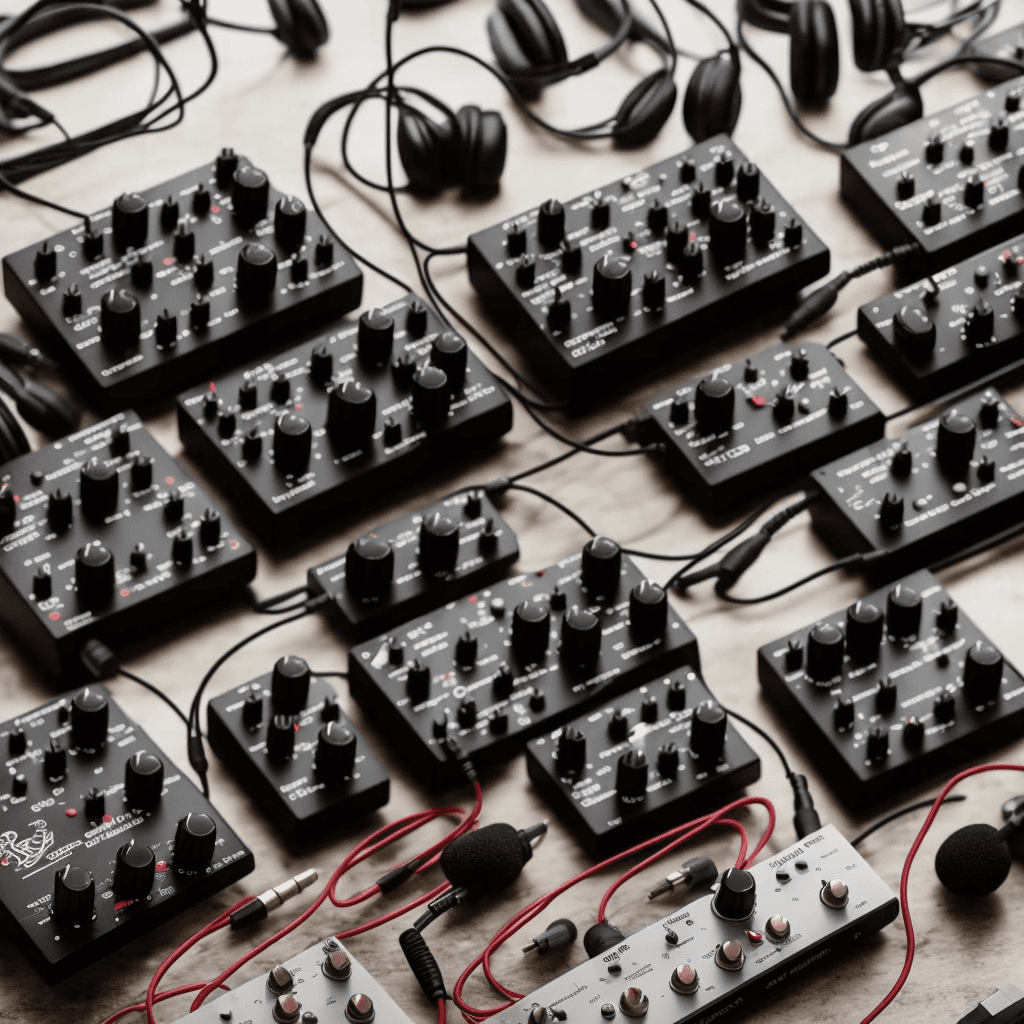
Glitch Hop producers employ specific techniques and digital tools to create their piece. These techniques and tools can range from using DAW (Digital Audio Workstation) plugins, synthesizers to drum machines, and midi controllers.
Beat Slicing and Sample Manipulation
Beat slicing is perhaps the most integral part of producing Glitch Hop. This technique involves slicing a beat, rhythm or melody into smaller parts and rearranging or affecting them. Abundant in DAWs such as Ableton Live and FL Studio are functionalities and tools that make this process simpler.
Midi Controllers and Live Glitching
Live glitching adds an element of unpredictability and freshness to the music. Using midi controllers, artists can trigger and modulate glitch effects in real-time during a performance, boosting interaction and engagement.
Conclusion
The world of Glitch Hop is a captivating journey through digital stutters, skips and slices. Unlocking its potential requires exploration, creativity, and a deft understanding of various music editing techniques. This genre serves as an inspiring playground for producers aiming to push the boundaries of conventional music and explore new sonic territories.