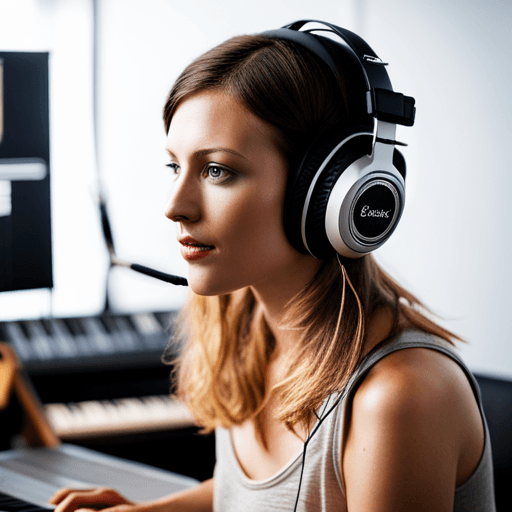
Vilka specifika tekniker finns det för att skapa radio-klara vokaler i Ableton Live?
Skapa radio-klara vokaler i Ableton Live
När det kommer till att förvandla råa vokalspår till mjuka, melodiska toner som kan bära en låt och fängsla lyssnare, är Ableton Live ett av de bästa valen bland både professionella och amatörproducenter världen över. Denna kraftfulla digitala ljudarbetsstation är full av mångsidiga verktyg och funktioner som kan förvandla dina råa vokalinspelningar till radio-klara spår.
Förstå grunderna
Oavsett om du arbetar med en erfaren sångare eller en fantastisk amatör, behöver du förstå potentialen i din inspelning. Kvaliteten på vokaler beror starkt på miljön där vokalerna spelades in. Så att investera i en högkvalitativ mikrofon och spela in i ett ljudisolerat rum kommer definitivt att löna sig i slutändan.
Viktiga steg för att bearbeta vokaler
EQ och kompression
För att börja med bearbetningen av dina vokaler kan du börja med att applicera en EQ och en kompressor på ditt vokalspår. EQ hjälper dig att ta bort oönskade frekvenser och även att framhäva de önskade. Kompression, å sin sida, används för att jämna ut volymen på vokalinspelningen.
Tillägg av reverb och delay
Reverb och delay är två kraftfulla effekter när det kommer till att blanda vokaler. De tillför djup och karaktär till dina vokaler.
Avancerad vokalbearbetning i Ableton
Auto-Tune
Ett mycket användbart verktyg i Abletons arsenal för vokalbearbetning är Auto-Tune. Detta verktyg kan användas för att korrigera tonhöjden på dina vokaler, och det kan också användas kreativt för att få T-Pain eller Cher-stilade vokalljudseffekter.
Harmonier och ad-libs
Att lägga till harmonier och overdubs är ett annat sätt att få dina vokaler att låta intressanta och lagerade. Ableton Live har funktioner för att generera harmonier men det är bäst om sångaren kan spela in riktiga harmonier för en mer naturlig ljud.
Sammanfattning
Detta är bara några steg av många som du kan använda för att skapa radio-klara vokaler. Kom ihåg att alltid experimentera med den mängd verktyg som Ableton Live erbjuder, och glöm aldrig den gyllene regeln för att blanda vokaler – Om det låter bra, så är det bra!