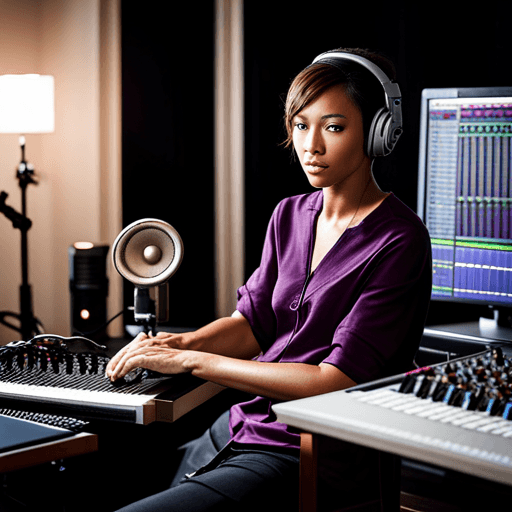
Kan du ge steg-för-steg-instruktioner för att använda de avancerade röstbehandlingsfunktionerna i Pro Tools?
Avancerad röstbehandling i Pro Tools
Röstbehandling är en inneboende del av att producera vilken låt som helst, särskilt när det handlar om att arbeta med professionella verktyg som Avids Pro Tools. Med en imponerande palett av funktioner och plugins erbjuder Pro Tools avancerade funktioner för att manipulera röster, vilket gör det till en av de mest använda plattformarna för ljudtekniker och ljudentusiaster världen över.
Börja med en ren inspelning
Kom alltid ihåg att en högkvalitativ slutprodukt börjar med en ren inspelning. Se till att dina ingångsnivåer är i ordning och att det finns obetydligt bakgrundsljud. Använd sedan ‘X-Form’ plugin för tonhöjdsförändring och tidssträckning för att bevara klarheten i din ursprungliga inspelning.
Använd EQ och kompression
Hantera frekvenser som kan orsaka frasgenombrott eller skärpa med EQ, särskilt genom att sänka mellan 2-5 kHz. När det gäller kompression ger ‘BF76’ den klassiska ‘1176’-typen av kompression som fungerar utmärkt på röster. Kom alltid ihåg, det handlar inte bara om att minska dynamik; du behöver forma röstljudet och ge det en känsla av utrymme i mixen också.
‘Time Adjuster’ för röstjustering
Har du problem när du spelar in flera tagningar eller harmonier? Använd ‘Time Adjuster’ plugin. Genom att helt enkelt sätta in den på valfri spår och justera fördröjningstiden kan du rätta till justeringsproblem inom några sekunder.
Lägga till djup och dimension
Använd Pro Tools’ kanalstrip för att lägga till en realistisk känsla av djup och dimension till dina röster. ‘Reverb One’ plugin är ett utmärkt val för en organisk rumseffekt, medan ‘Mod Delay III’ kan ge en mer uttalad ekoeffekt.
Slutliga justeringar
Till sist, när du är nöjd med ljudet, använd ‘Maxim’ plugin på masterfadern. Justera tröskeln tills du märker att mixen sjunker något—detta är din limiter som kommer att lyfta dina röster till en kommersiell nivå.
I korthet erbjuder Pro Tools allt du behöver för avancerad röstbehandling, och att bemästra dessa verktyg kan avsevärt förbättra dina ljudtekniska färdigheter.