How does MIDI programming in Cubase differ from other digital audio workstations?
Cubase is a highly versatile and powerful DAW, offering several techniques that can greatly enhance your MIDI programming. These seven tips will help you take your MIDI programming to the next level.
1. Use Note Expression
Note Expression is a unique feature in Cubase that allows you to modify single notes in a chord or a melody separately. This technique can bring more life and dynamics to your MIDI programming, giving each note a unique character.
2. Utilize MIDI Modifiers
The MIDI Modifiers section contains various parameters that can instantly modify MIDI events. Here you can transpose, limit velocities, adjust note lengths, or even randomize notes of a chosen part, saving you hours of programming time.
3. Experiment with Chord Pads
Chord pads is a feature that allows converting any MIDI input into lush, complex chords with one button. These can then be triggered by single MIDI notes, leading to complex and intricate harmonies.
4. Harness the Power of the MIDI Logical Editor
The MIDI Logical Editor is a very powerful tool in Cubase that can perform complex operations on your MIDI data. By applying logical conditions and actions, you can do tasks such as filtering specific notes or transforming certain note velocities.
5. Use Quantize
One of Cubase’s most useful features is the ability to use quantization on your MIDI. This can be used to correct timing issues or to create specific rhythmic effects. Experiment with different quantization settings to find what suits your project the best.
6. Take Advantage of Groove Copy
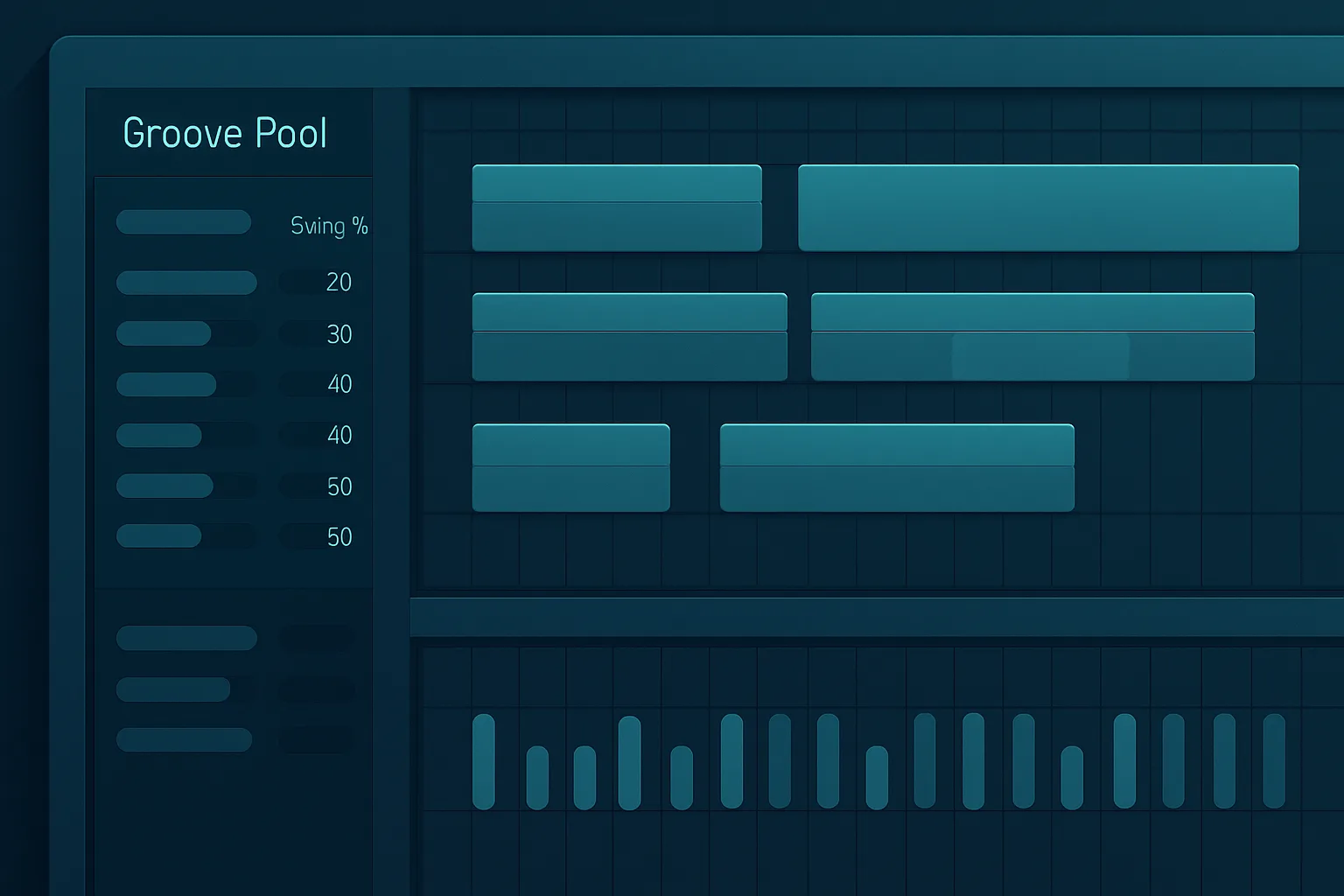
With Cubase, you can extract a ‘groove’ from a MIDI (or even an audio) file and apply that to other MIDI parts. This ensures that all elements in your mix have the same feel and rhythm.
7. Make the Most of Drum Editor
Last but certainly not least, the Drum Editor is a specially designed MIDI editor for creating drum parts. With its unique ability to display notes as drum sounds rather than traditional note pitches, it makes programming drums faster and more intuitive.
The power of MIDI in Cubase is limitless. With time, patience, and a bit of creativity, these tricks can unlock new potential and enhance your music in ways you never thought possible.