Are there specific hardware compressors that are recommended for recording vocals?
Vocal recording is an essential component of music production. It requires more than simply holding a microphone and singing or rapping your parts. It requires careful technique and preparation in order to get a professional sound in your audio recordings. One important aspect of recording vocals is the use of hardware compressors.
So, how do you go about recording vocals through a hardware compressor? This step-by-step guide is designed to help you understand how to do that and why it’s important for achieving professional sound quality.
What is a Hardware Compressor?
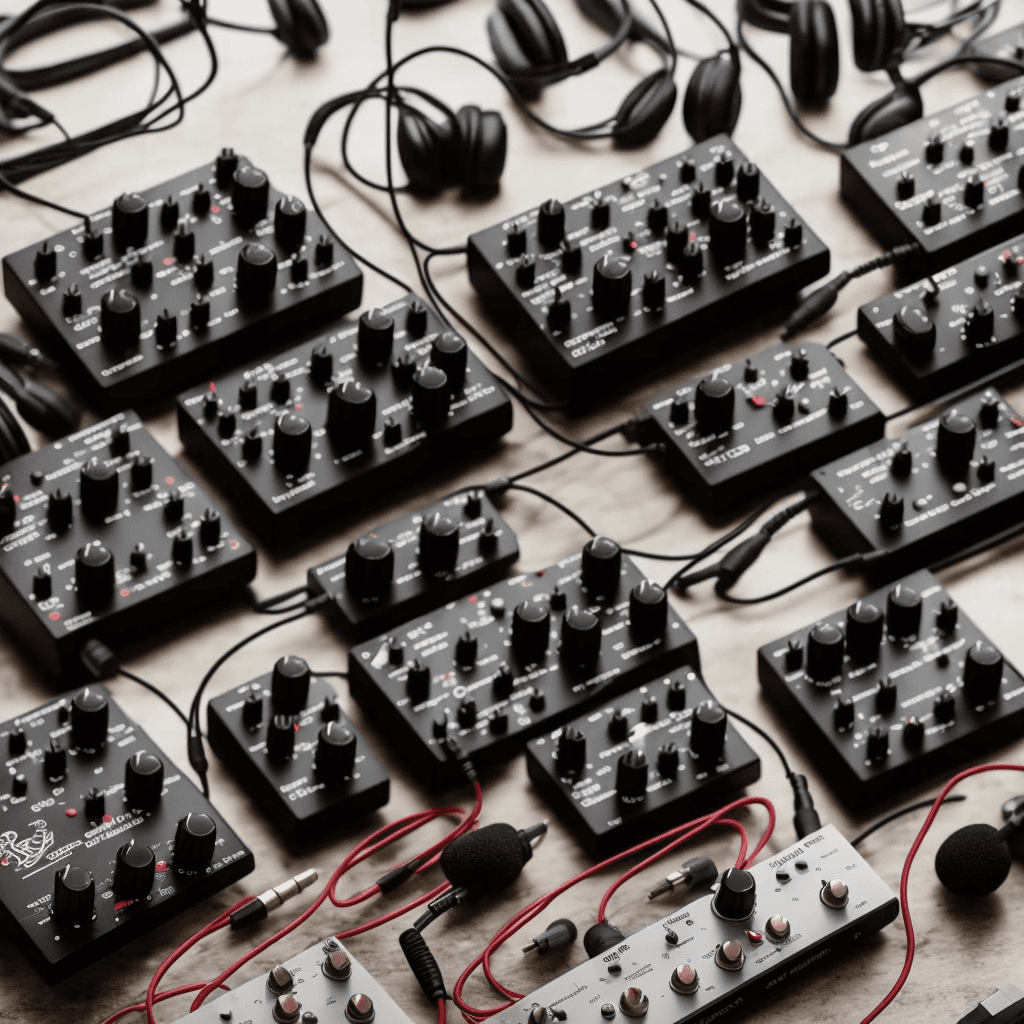
A hardware compressor is a physical unit used in audio production to manage the dynamics of sound. It can reduce the volume of loud sounds or boost the volume of quiet sounds, allowing you to balance the audio input and achieve overall better audio quality.
Step 1: Set Up Your Equipment
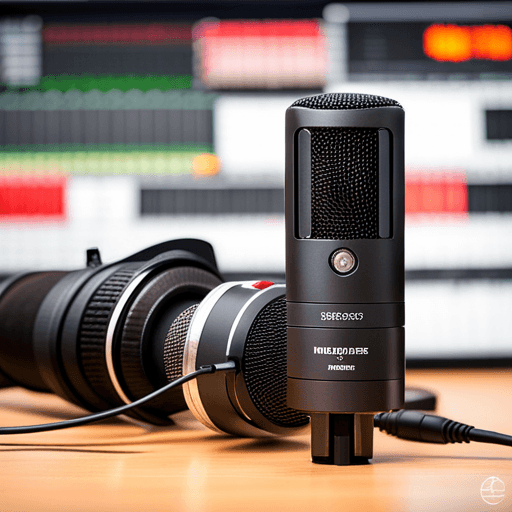
Firstly, you will need to connect your microphone to the audio interface via an XLR cable, then, connect the interface to your hardware compressor. After that, connect your compressor to a sound card or another audio interface that is connected to your computer. It’s essential to ensure that all equipment is powered up and that everything is set up before starting the actual recording process.
Step 2: Configure Your Hardware Compressor
The next step involves configuring your hardware compressor. This will often mean adjusting parameters such as the compression ratio, attack time, release time, knee, and make-up gain. The specific settings will vary depending on the exact model of your hardware compressor, as well as the nature of the vocals being recorded.
Step 3: Test the Settings and Record
Before starting the recording session, ensure to do a test recording to validate that you have set up everything correctly and that you are happy with the sound. After testing, you can now record your vocals, with the confidence that your hardware compressor will help to manage the audio dynamics as needed.
Why Use a Hardware Compressor for Vocal Recording?
Using a hardware compressor for vocal recording has its advantages. It helps to control and manage the dynamic range of the audio, keeping loud parts from overwhelming the mix, and quiet parts from getting lost. It adds warmth and a professional quality to your vocals which isn’t often achieved by software compressors.
In conclusion, recording vocals through a hardware compressor requires technical understanding of how compressors work, and careful setup of the router, microphone, and hardware compressor. By following these steps, you can achieve professional sound quality in your recordings.
Remember:
Each vocalist and record will require unique care and attention–there’s no one-size-fits-all setting. Happy recording!